Here's some examples of GPX files presented using the [ctc-show-gpx] short code available to authors of posts and pages. The tracks are large so take some time to display.
They show the route taken by the CTC barge tour of South Holland during May 2014. The tour was organised by Pam and Dave Pilbeam. The track is courtesy of Alec Martel of Uxbridge Loiterers.
Day 1
Having joined the Sarah the previous day, we cruised to our start point in Breukelen and rode to lunch in Oudewater and then to meet the barge again at Vianen.
Click any of the images in this article to see a larger version
I have three rear lights on different bikes, all Cateye:
TL-LD 600 (costing about £15) is quite an adequate light with five LEDs
TL-LD 650
TL-LD 650 (about £25 and also known as the TL Rapid 5) has five LEDs. The centre LED is so bright that when set to continuous only the centre and two outer are lit; all are used in flashing mode and in pulse mode the centre LED is dimmed to avoid dazzling following cyclists.
TL-LD 1100 (about £32) has ten LEDs in two rows of five of which three face to the rear and two are angled towards the side.
All can be switched to steady and flashing and maybe several other modes I haven’t discovered.
I can’t compare light output, lumens, candela because I don’t understand things like that, but the 1100 is the one about which I get most comments on how bright it is.
But my intention is not to write just about the lights but to consider how to fit them. Manufacturers seem to be under the impression that all cyclists want to attach their rear light to the seat post and they only supply a bracket which will clamp around a seat post. That is no good to me because I have a saddlebag.
I have two solutions. The first is on my Flying Gate. Trevor Jarvis, who built the frame, also made the detachable pannier rack and his contribution to solving the rear light problem is to braze half of a hinge to the rack. This of course has two convenient holes in it. All that is needed now is to cut a piece of L-shaped steel or aluminium and drill the necessary holes, two to attach it to the half hinge and a third on the return through which is bolted a Cateye bracket (available from many sources for a couple of quid).
The half hingeBracket attachedTL-LD 600 attached
The second is on my Hetchins on which I have a Blackburn pannier rack. I cut a piece of handlebar (I think it was, but any suitable tube will do), cut two slots in it to fit snugly over the rack tubing and drilled a hole through it. Others will no doubt be able to do this more neatly than I did.
This bit of tube slides over the pannier rack tubing and is held secure by a bolt through the holes. I can now use the bracket supplied with the light to attach the light to this piece of tube.
Tube sectionFixing attached to the tubeAttached to the panierTL-LD 1100 attached
As last year’s winedown worked so well, I have arranged that we will return to Combourg again this year. I have booked the hotel and 30 passengers on the ferry for an outbound crossing leaving on Monday evening of the 13/10, and returning Saturday evening the 18/10.
The Hotel du Lac is on the edge of a very suitable, interesting and attractive town of Combourg, about 37km South of St. Malo, an easy an undulating ride for the Tuesday. From here there are many potential routes for day rides in all directions, through a quiet, and relatively flat landscape.
Hotel costs are very competitive, singles 69E, doubles/twins 51E, per person per night demi-pension. The ferry costs are £48 per person and £110 per two berth cabin for the return trip.
Can you please let me know whether you wish to join this year’s tour, and I will reserve your place(s).
Ever since I bought my Specialised cross bike with cable disk brakes, I've been on the look-out for a good way to adjust them so the rotors don't touch the pads and - at the same time - not having too much play in the brake levers.
This video shows a fairly simple method. I suspect it can be improved on, but it looks like a good starting point...
If you keep an electronic calendar on a device attached to the Internet, the chances are it understands the iCalendar standard (also known as iCal or ICS). In which case you can add selected Portsmouth CTC events into your calendar automatically.
The following sections provide general instructions for adding our events, plus specific instructions for some common calendar tools.
About iCalendar
iCalendar is a standard way to represent the entries in a calendar. It is used to export and import calendar entries. Our site provides a list of events (for example: all Wednesday and Saturday rides) as a web page in the iCalendar format. Calendar programs that understand the iCalendar standard and that have an internet connection can automatically read the web page and add the entries to your calendar. Any changes on the web site will automatically update your calendar too.
General method for adding our events to your calendar
First, you will need a link that gets the events you are interested in from our web site. If you want all the events, the link is simply:
Note that the leading https:// is important. Your calendar program might not understand the link without it.
To get just the events that interest you, you need to add a 'c' parameter listing all the event categories you are interested in separated by a comma.
The next section is an iCalendar link generator. It allows you to decide which events you want to include in your calendar and generates a link to match.
You need to plug the link into your calendar program. There will usually be two methods: internet import and file (.ics) import. You want the internet option.
Most calendar programs will allow you to:
See our events as a stand-alone calendar
Merge your imported calendar with your normal calendar so our events appear alongside yours
Import multiple calendars so you can create separate calendars for different types of event
Give calendars a colour so you can quickly see what types of event occur in a given day
There are more specific instructions for some popular calendar programs below. If your calendar isn't in the list, or if you find our instructions hard to follow, try searching the internet for your calendar's name and "ical import".
iCalendar feed link generator
Select one or more event types to create a link to a feed containing just the events you selected.
Select at least one type of event
The link you should use is...
Issues you might encounter
Although widely used, the iCalendar standard is relatively crude. It uses simple text only. So, for example, entries cannot contain bullet points or different coloured text. That means we cannot reproduce the text of our event descriptions exactly as you see them in the web page. On occasion, it might be difficult to read the description.
Similarly some special characters might appear as question marks or odd sequences of symbols.
Some calendar programs - such as Windows Outlook - allow you to get the latest version of a calendar whenever you like. Others - such as Google Calendar - automatically retrieve calendar details on their own schedule and you cannot force an update. You should learn how your your program gets updates if you want to rely on seeing the latest version (just before joining a ride, for example). To be sure of seeing the latest version, you might need to go to the Portsmouth CTC web site.
Please let Andy Henderson know of issues you encounter. Screenshots usually help explain the problem you are seeing.
Add our events to Google Calendar
You can see instructions in the Google Calendar help text at:
Scroll down to section "Use a link to add a public calendar".
Note that you will need to log in to Google before you start.
The 'iCalendar address' it refers to is a link to the Portsmouth CTC web site. See 'iCalendar feed link generator' above for the link you should use.
You can add as many calendars as you want so, for example, you could create one for each different type of event.
To show Portsmouth CTC events alongside your own events, or to hide them, click the square box to the left of the calendar name shown under 'Other calendars' in the left hand pane of the Calendar page.
You cannot force Google Calendar to update the calendar. Instead, it has its own schedule and automatically updates the calendar every few hours, or so. If you are about to join a ride and want to see the latest information, you should go straight to the Portsmouth CTC web site and not rely on Google Calendar.
Add our events to Android Calendar
You can add our events to the calendar held in your Android smartphone or tablet.
First, you need to:
Create a Google account, if you don't have one already
Add the events you want to see as one or more calendars in Google Calendar (see above)
Link your smartphone or tablet to your Google account
Synchronise the calendar application
Your Portsmouth CTC event calendar(s) will appear automatically.
You can then show Portsmouth CTC events either as a stand-alone calendar or combined with other calendars in your Google account.
Note that for your calendar to be up-to-date:
Google Calendar must first update itself. You cannot force that to happen, instead it happens automatically every few hours, or so.
You have to synchronise your smartphone or tablet with Google Calendar. That happens automatically - again every few hours, or so - or you can force a synchronisation through the Android 'Setup' app.
If you are about to join a ride and want to see the latest information, you should go straight to the Portsmouth CTC web site and not rely on the Android Calendar.
Add our events to Windows Live Mail
To add an internet calendar to Windows Live Mail, you first need to subscribe to a Windows Live account. You then add the internet calendar to your account on the web. The calendar then gets copied down to your PC so you can see the calendar there. Alternatively, you can see the calendar online as a web page.
You can find out more about Windows Live accounts and calendars here.
This page explains how to add an internet calendar to your Windows Live account and show it in Windows Live Mail. It explains how to add a Google calendar using its iCalendar interface, but adding our events uses exactly the same process:
Ignore steps 1 and 2
In step 5 you need to paste a link to the Portsmouth CTC web site. See 'iCalendar feed link generator' above for the link you should use.
You can add as many calendars as you want so, for example, you could create one for each different type of event.
Add our events to Windows Outlook
The first procedure on this page explains how to add a Google calendar using its iCalendar interface, but adding our events uses exactly the same process:
Ignore steps 1 to 4
In step 7 you need to paste a link to the Portsmouth CTC web site. See 'iCalendar feed link generator' above for the link you should use.
You can add as many calendars as you want so, for example, you could create one for each different type of event.
I found it useful to arrange to update the calendar on demand, rather than have it update automatically. That way I can be sure I am always seeing the most up-to-date information. To do the same, you need to create two send/receive groups: one for email and one for calendars:
Click the Send/Receive tab in the ribbon; click the 'Send/Receive Groups' button and select 'Define Send/Receive Groups...' to show the Send/Receive groups manager.
Add a new Send/Receive group called, say, 'RemoteCalendars'.
Edit the 'RemoteCalendars' group; uncheck 'Include the selected account in this group' for all accounts; check 'Include Internet Calendar subscriptions in this Send/Receive group' for the 'Internet Calendars' account and check the CTC calendar(s) in the 'Internet calendars' pane. You should see something similar to this:
Click 'OK' to update your Send/Receive group.
Repeat the above to create a second group called, say, 'EmailOnly'. This time, include every account except the internet calendars.
Finally, use the Send/Receive groups manager to:
Deselect all the automatic send/receive options for group 'All accounts'
Deselect all the automatic send/receive options for group 'RemoteCalendars'
Set up send/receive options for the 'EmailOnly' group; I use these options:
When you are displaying the calendar, you can update it manually by clicking the Send/Receive tab in the ribbon and clicking the 'Update folder' button.
Add our events to an iPhone
A simple method is to use the link generator above to select the rides you are interested in and send an email to your iPhone containing the link. Double tap the link on your iPhone and follow the instructions to incorporate it into your calendar.
Alternatively, the following steps worked for Keith Wileman - there might be variations for different versions of IOS. Having generated a suitable link using the generator above, go to your iPhone, make sure it is connected to the internet and:
Select 'Settings'
Select 'Calendar'
Select 'Passwords and accounts'
Select 'Other'
Select 'Add subscribed calendar'
Enter the link into the server box
Select 'Next'
If you have any issues, please let Andy Henderson know. He might be able to help. Also let Andy know if you can help with instructions and screenshots for other calendar applications.
I have just booked a place on the CTC Cycling Holidays Tour(1436) which will use part of this years TDF stage 1 route (the quieter roads as least) over the Yorkshire moors, from 28 June to 4 July. There are still places available with a nominal closing date of 19 April. If you fancy joining me or just want more detail, go to: http://www.cyclingholidays.org/tours/solo.php?Tour=1436
I plan to drive up on Saturday 28th June (and a could probably squeeze in at least one other bike/passenger), then drive to Harrogate on Friday 4th July to see the Stage 1 finish on Saturday, although I hope to be staying with friends for a couple of nights, so avoiding the need for an hotel. Happy to discuss when we next meet.
There are web sites allow you to record details of your bike so that:
If your bike is found, Police can find out who owns it, and return it to you
You can show potential buyers of your bike your registration as some proof that it has not been stolen
If you want to sell your bike, a registration more than a few months old provides some evidence you are the rightful owner
You prevent a thief registering your bike to claim ownership
Police forces usually rely on a single site. Hampshire partners with Immobilise.com. The other main site is BikeRegister. Both sites offer a range of services:
A free registration service that allows you to record details about your bike so that the Police can check its status and, if necessary, get in touch. The sites would obviously prefer you to pay for a service, so you will need to be persistent to get to the free service.
A sticker that can't easily be removed that advertises your registration to thieves and potential buyers.
'Smart water' encoding that covers your bike and components in tiny dots that link your bike to its registration on the web site.
It makes sense to register with both sites. If you decide to use one of the paid-for services, however, it's not worth buying the same service from both sites.
While on the subject of the internet, you need to take care not to provide a thief with clues of where to find an expensive bike. In particular, if you participate in a cycling social networking site like strava.com, make sure you do not record routes that accurately describe your home location.
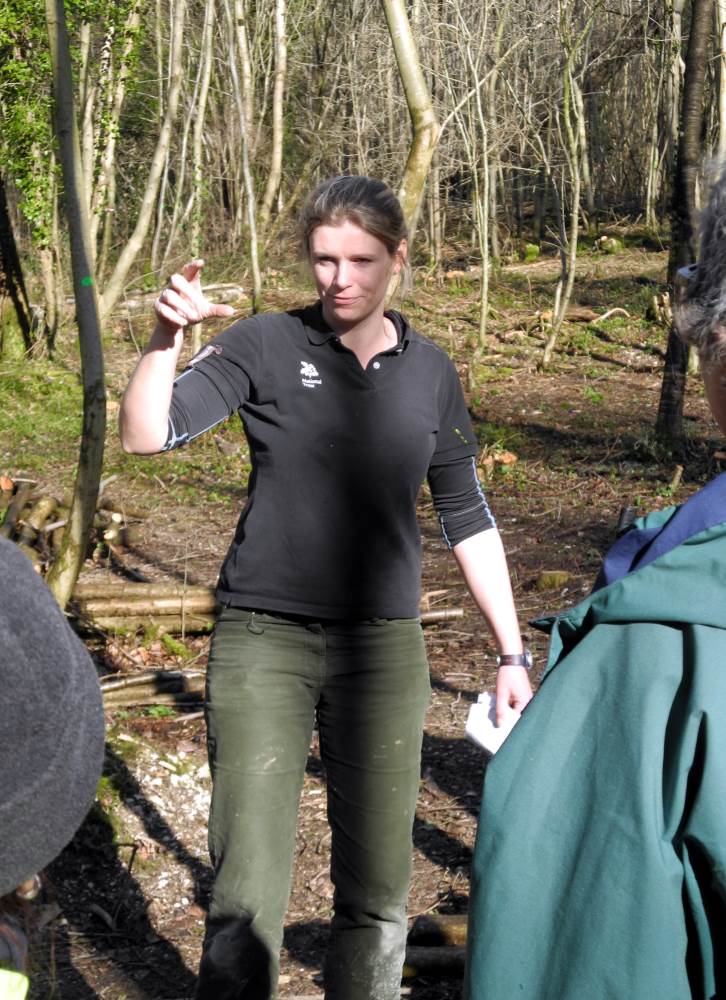
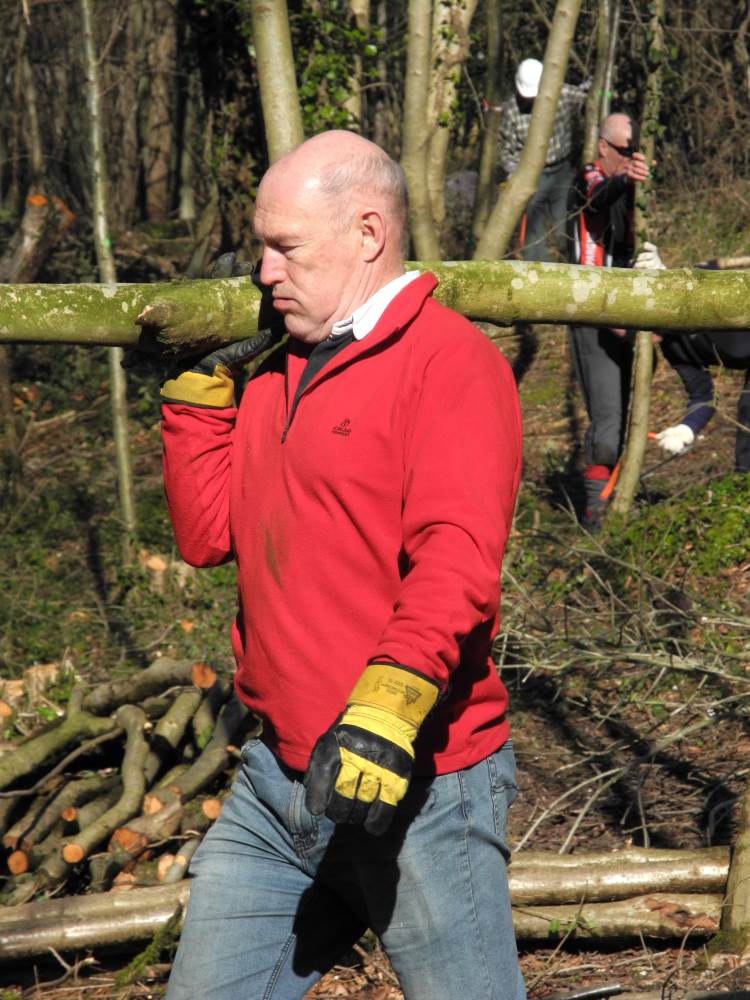
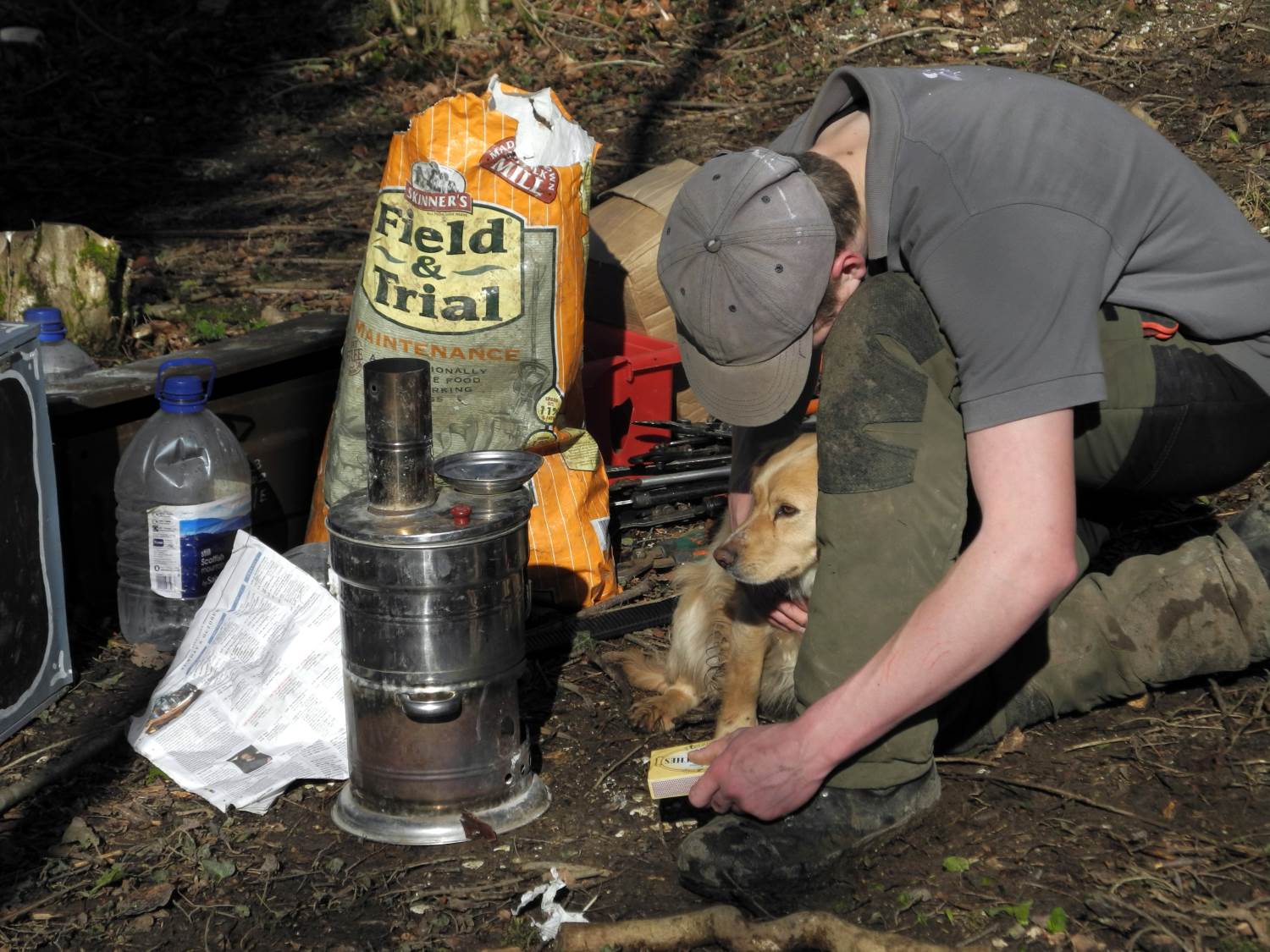
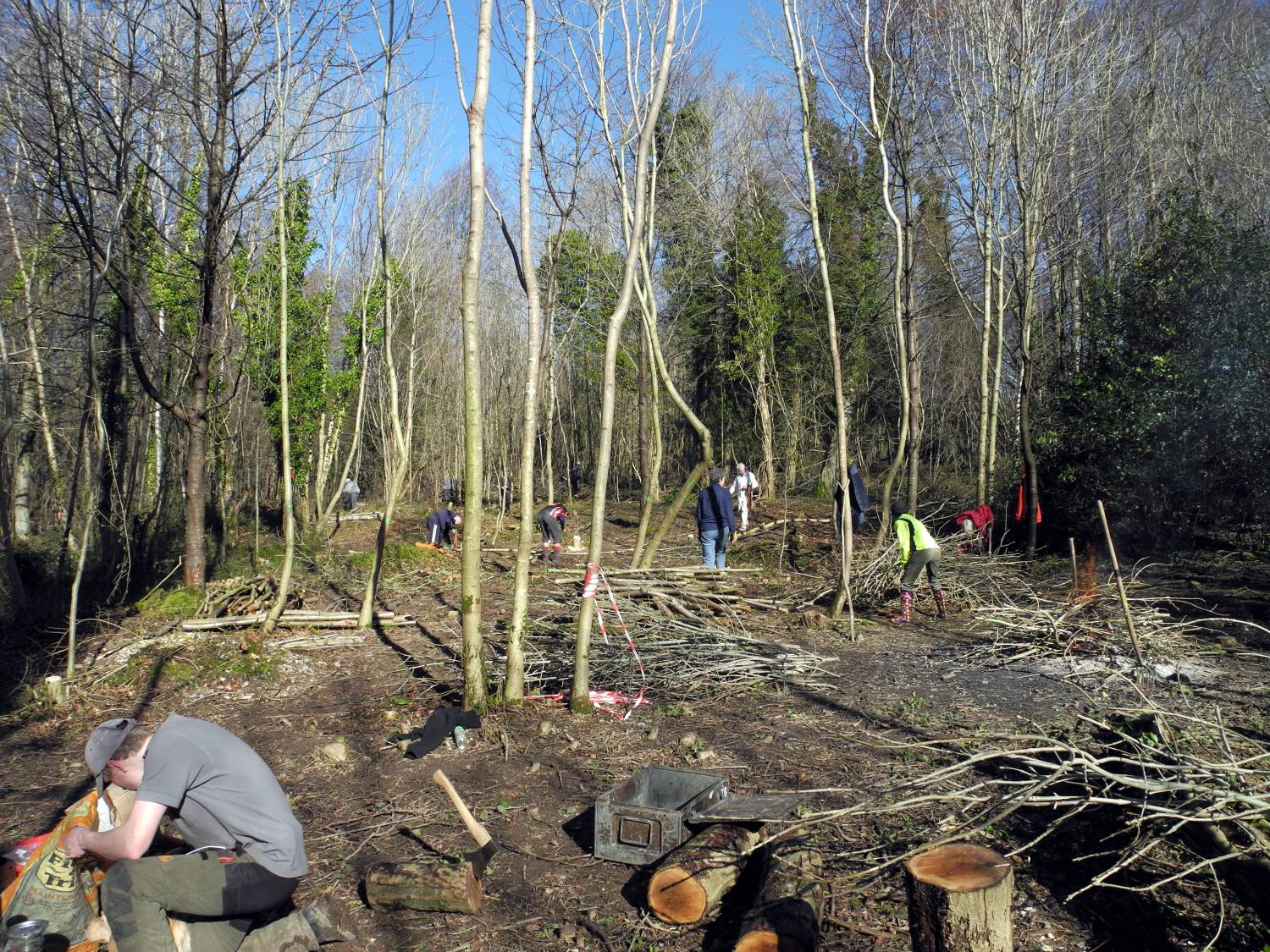
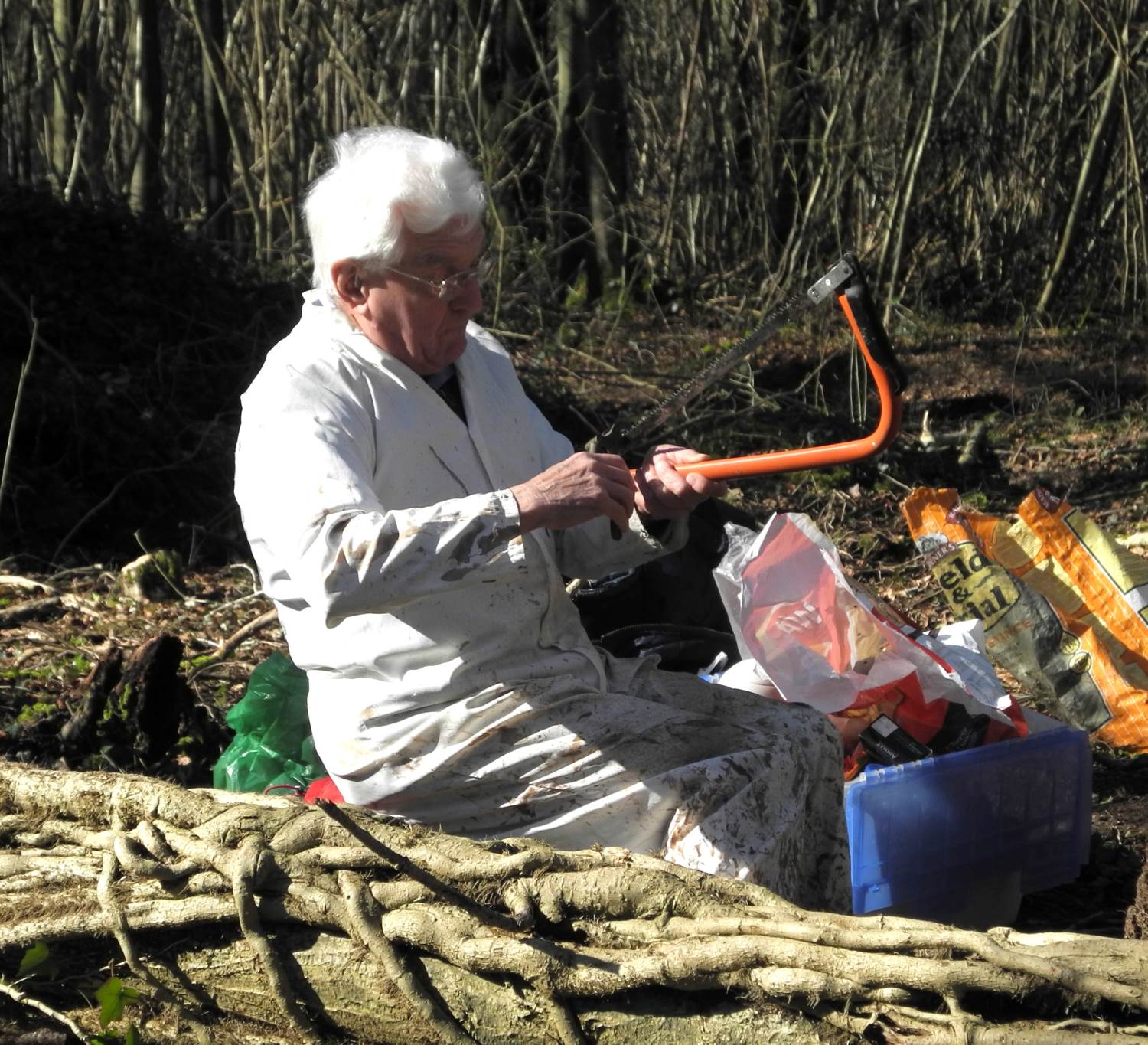
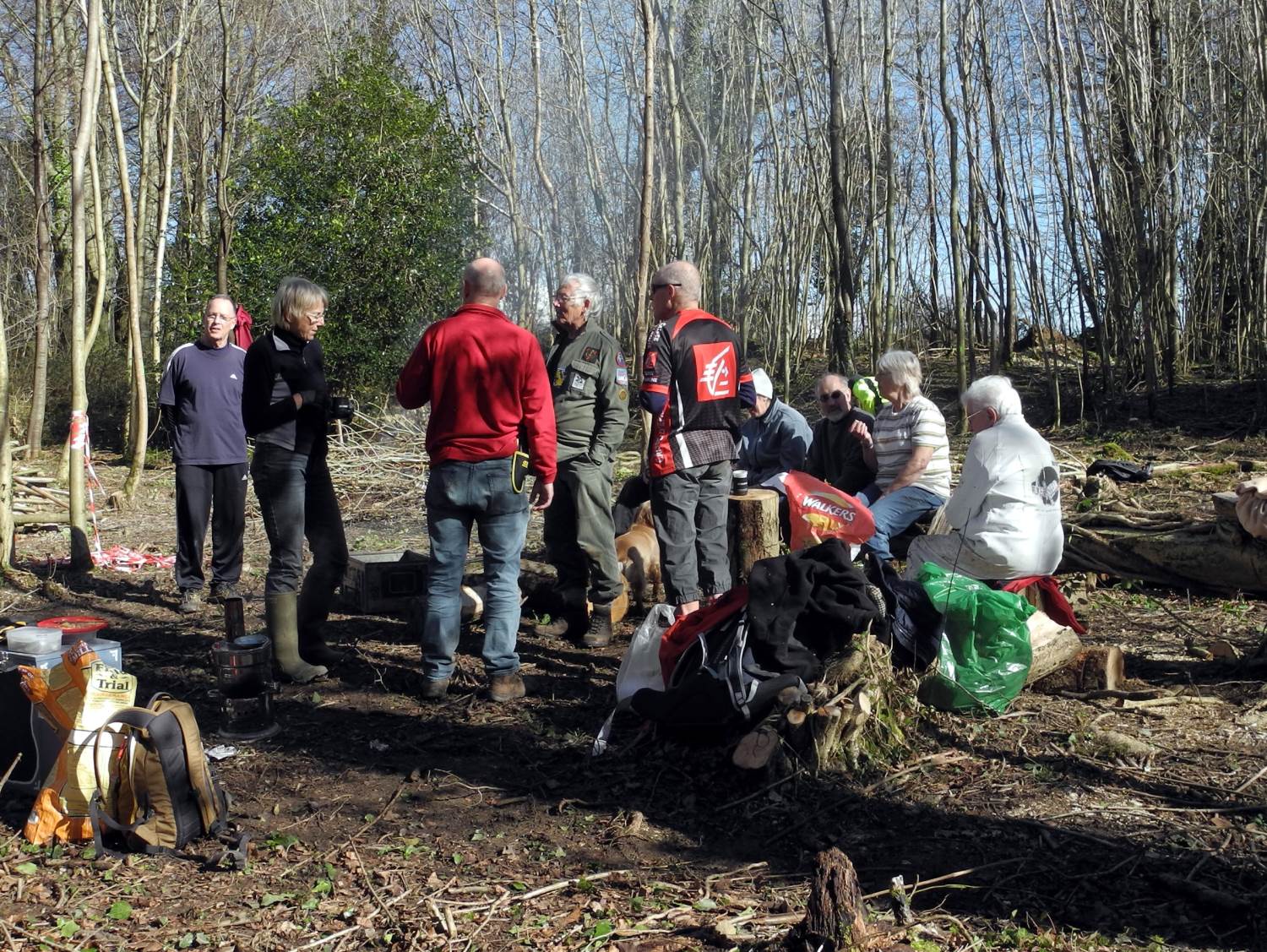
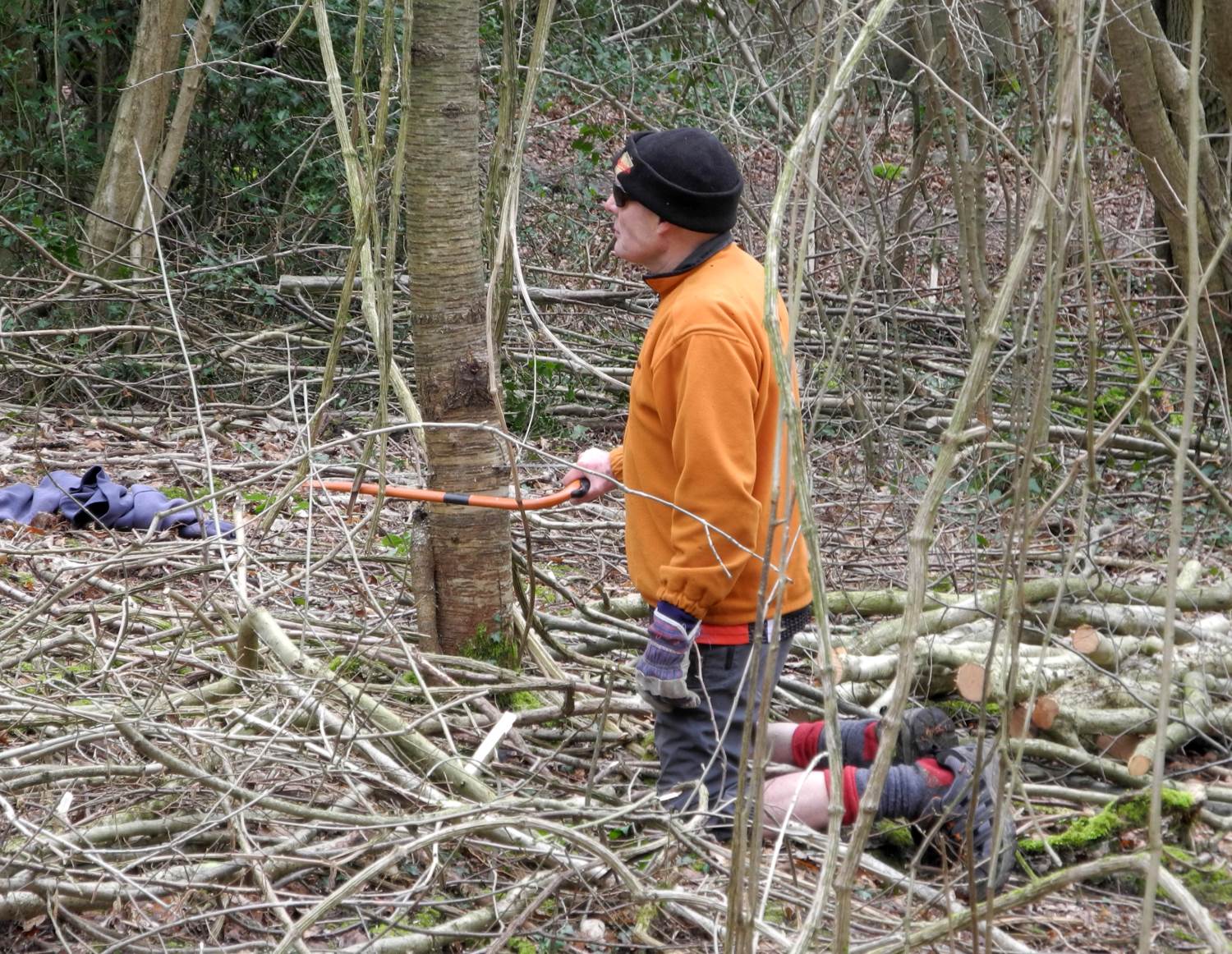
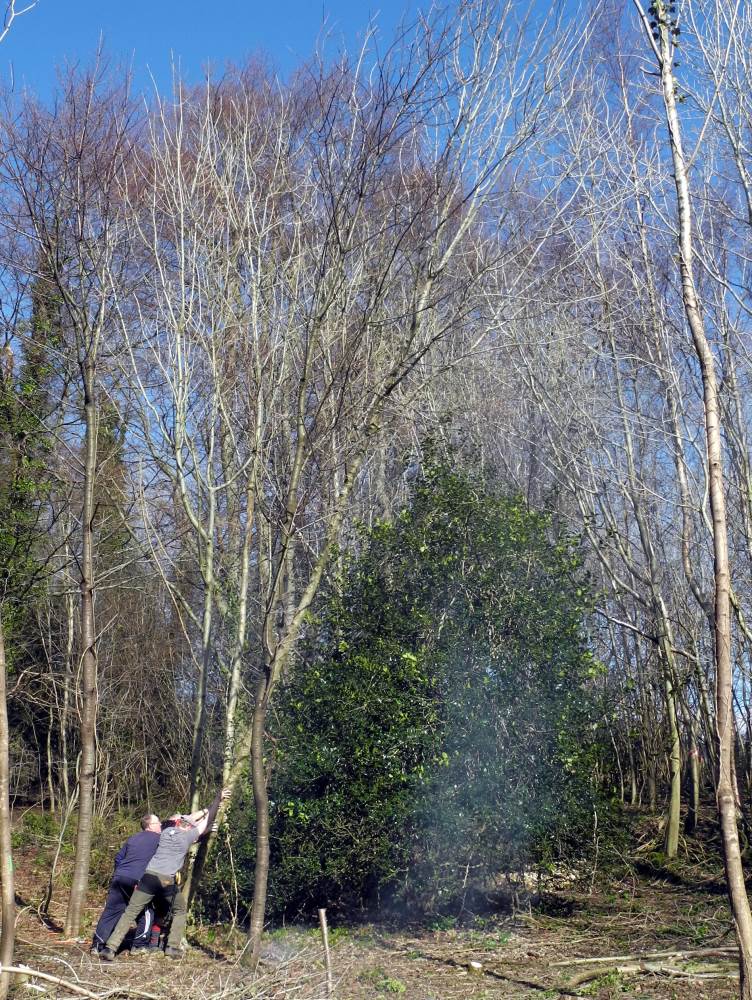
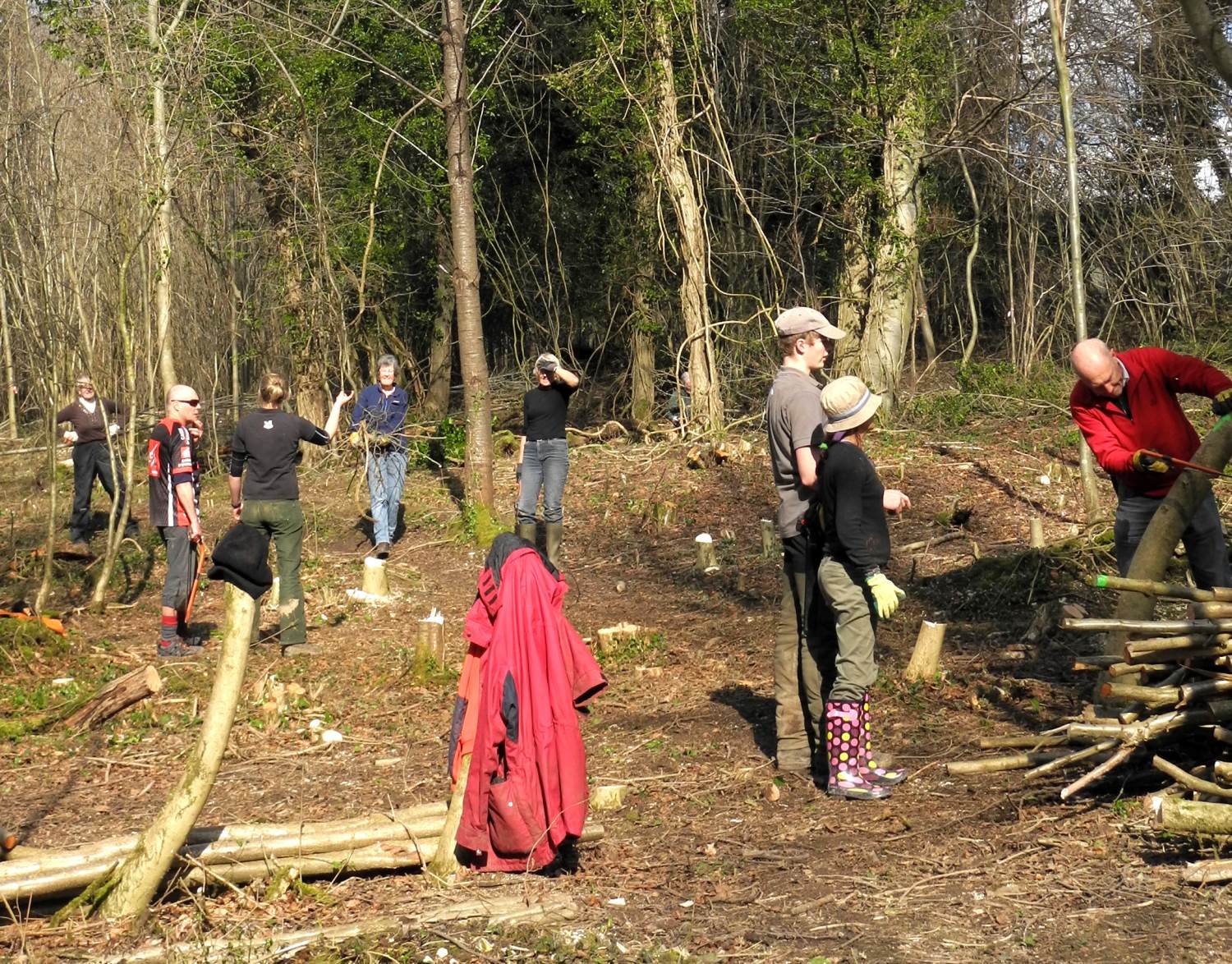
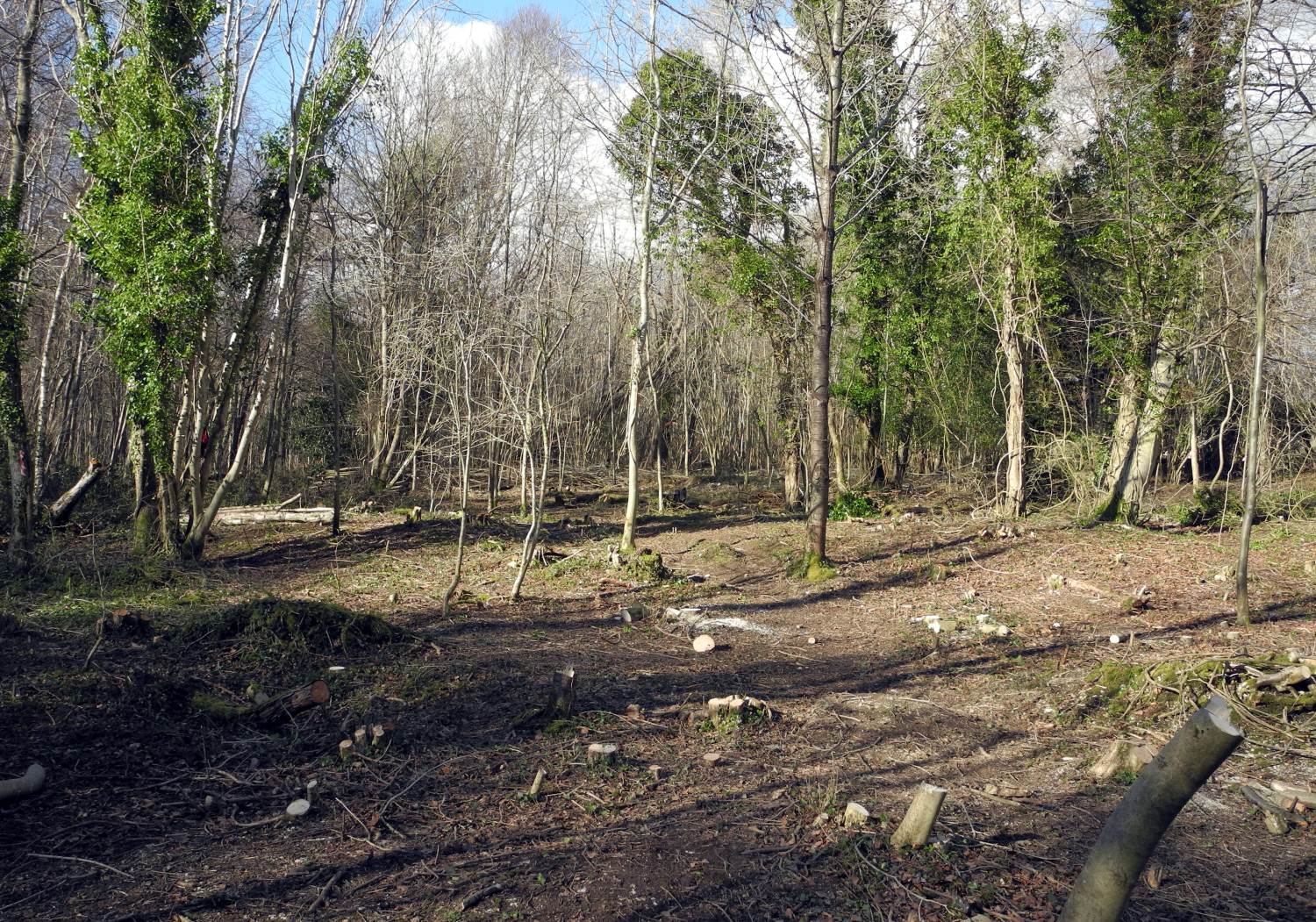
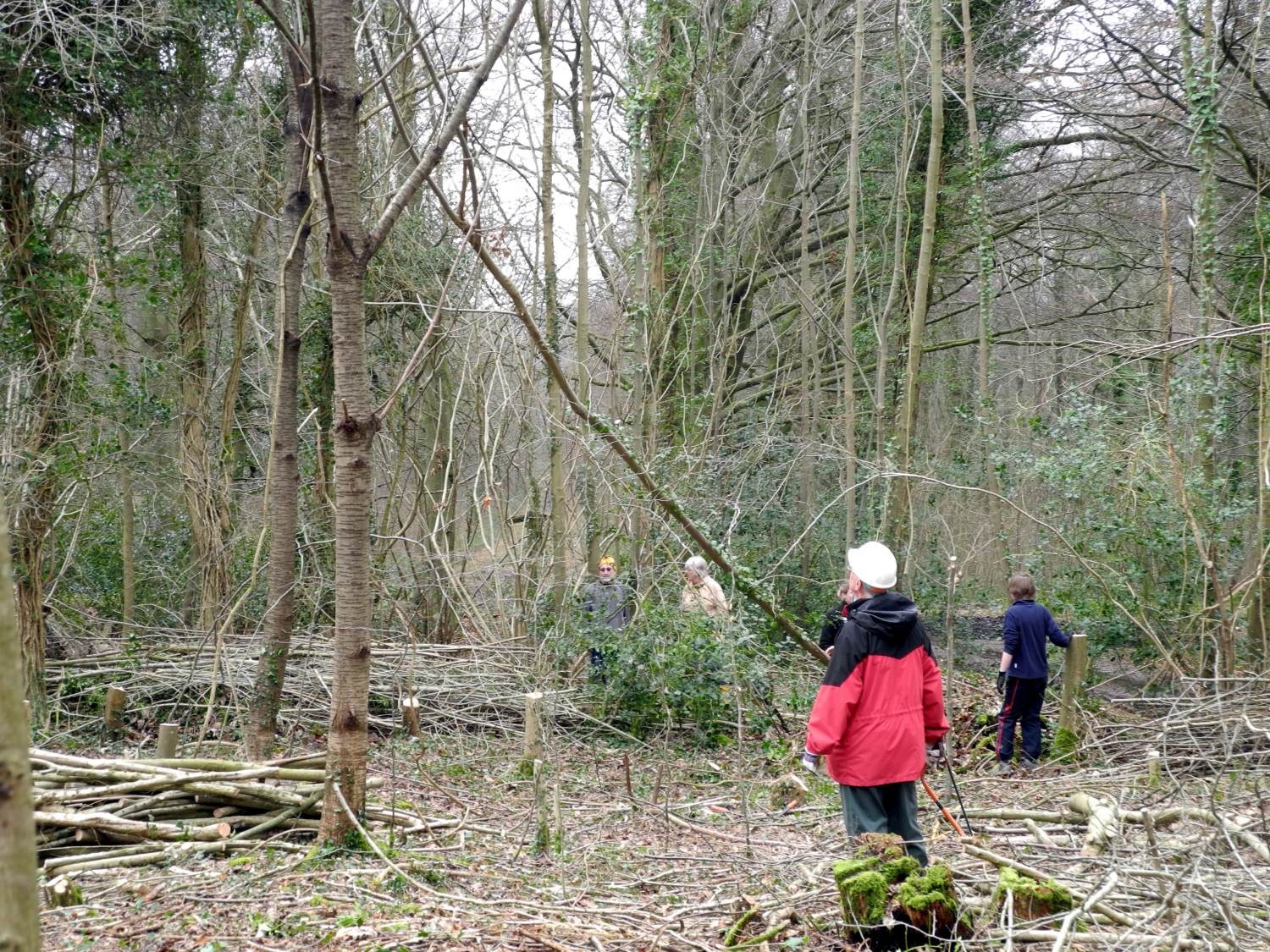
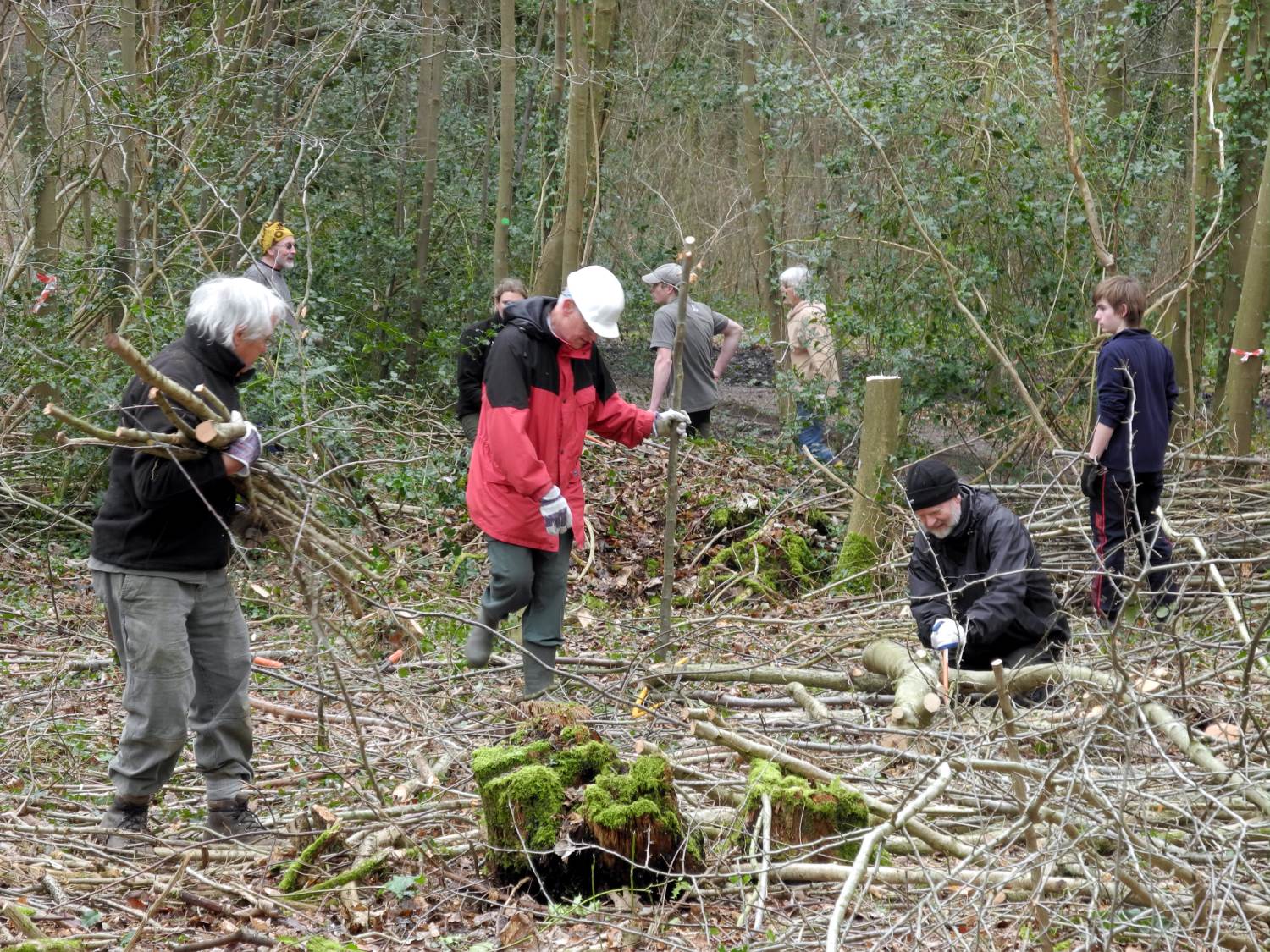
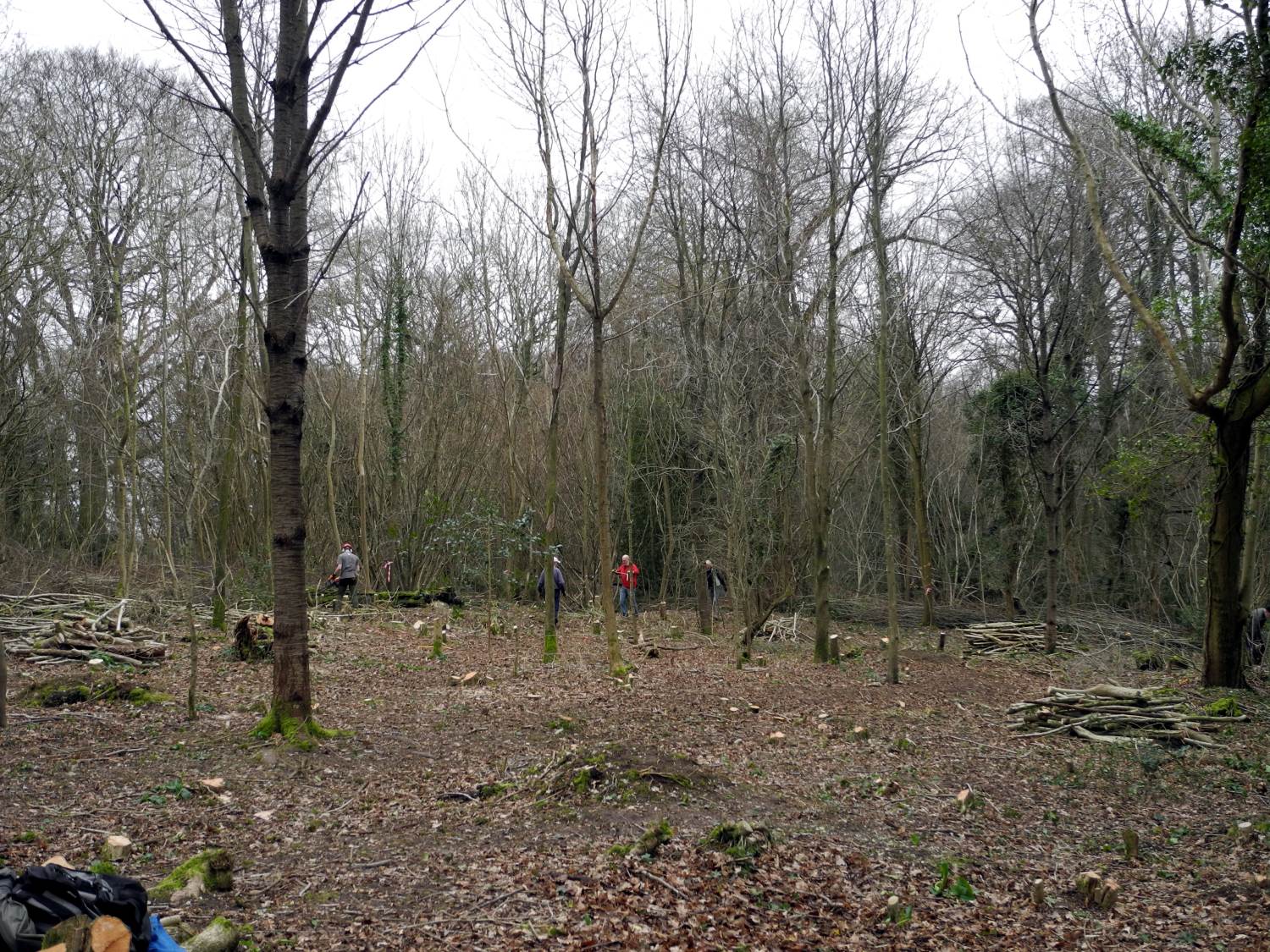
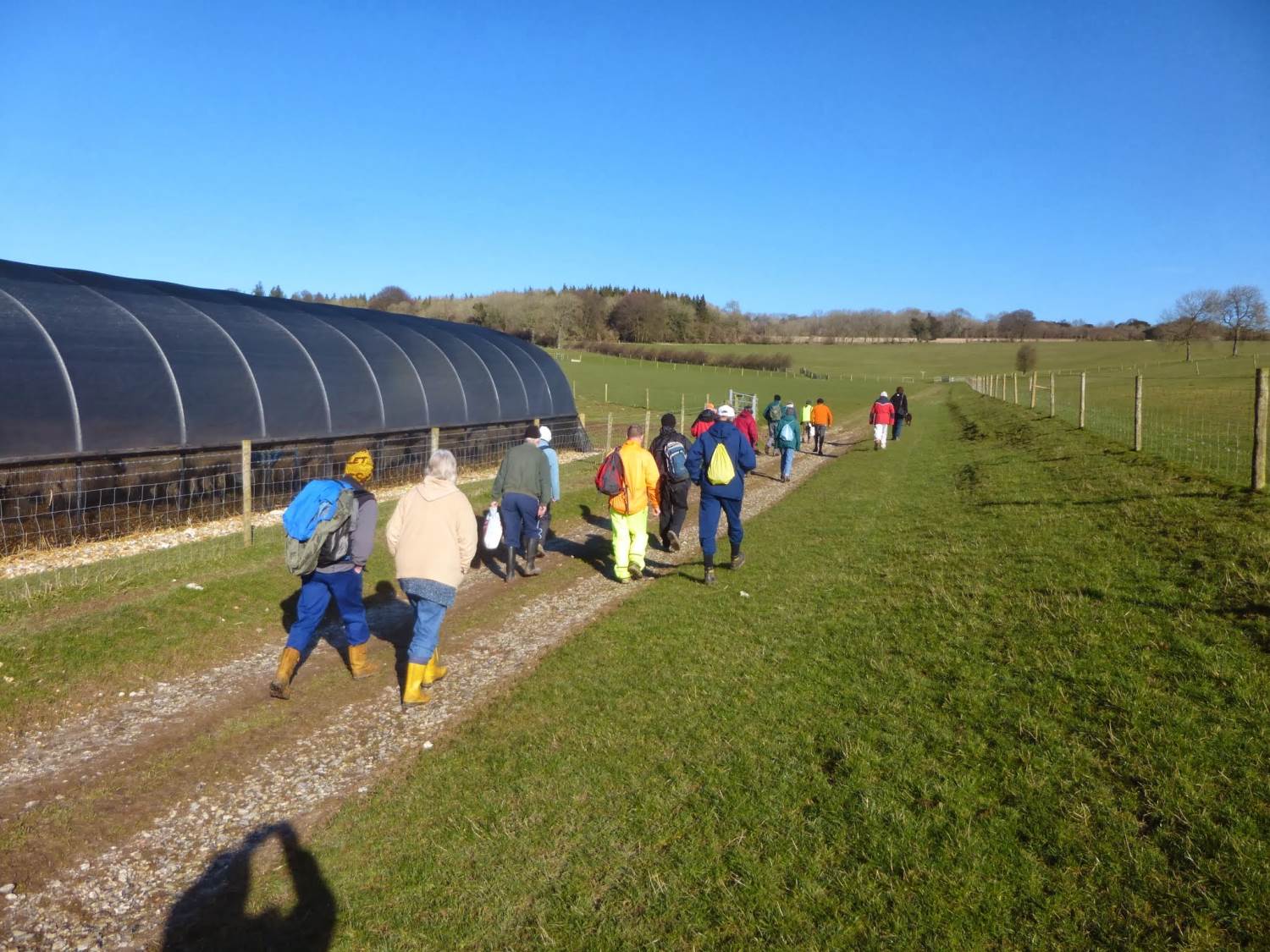
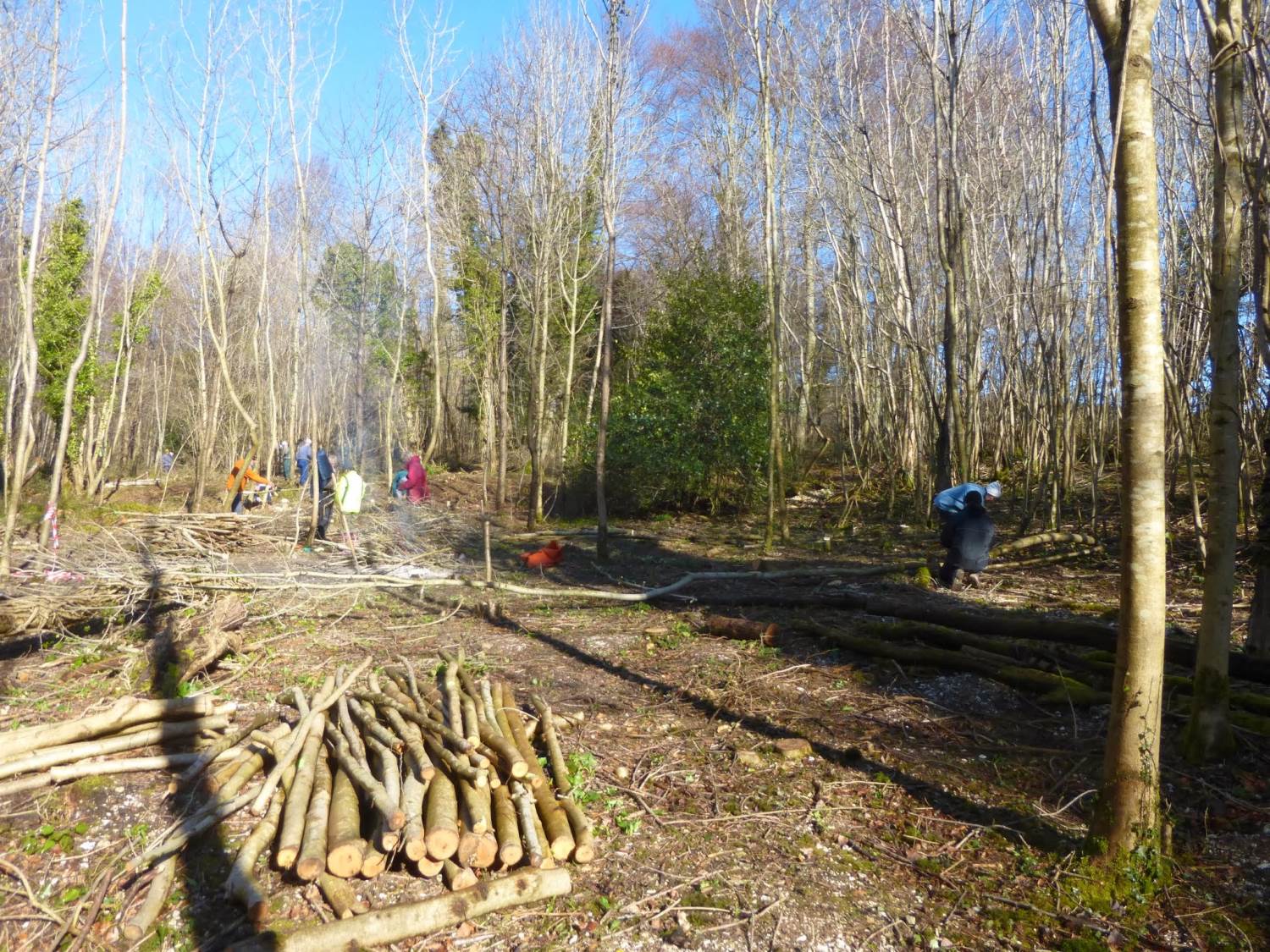
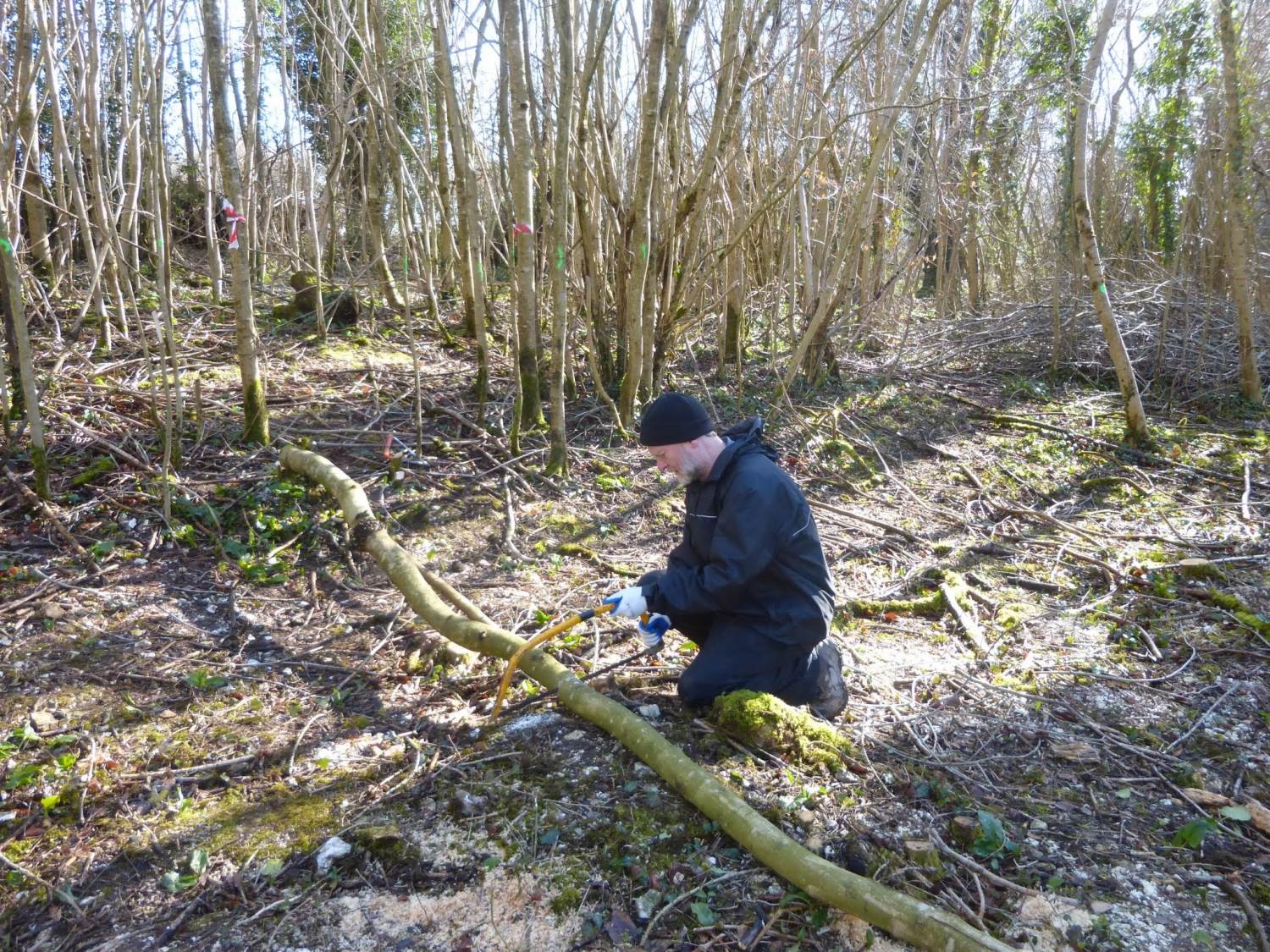
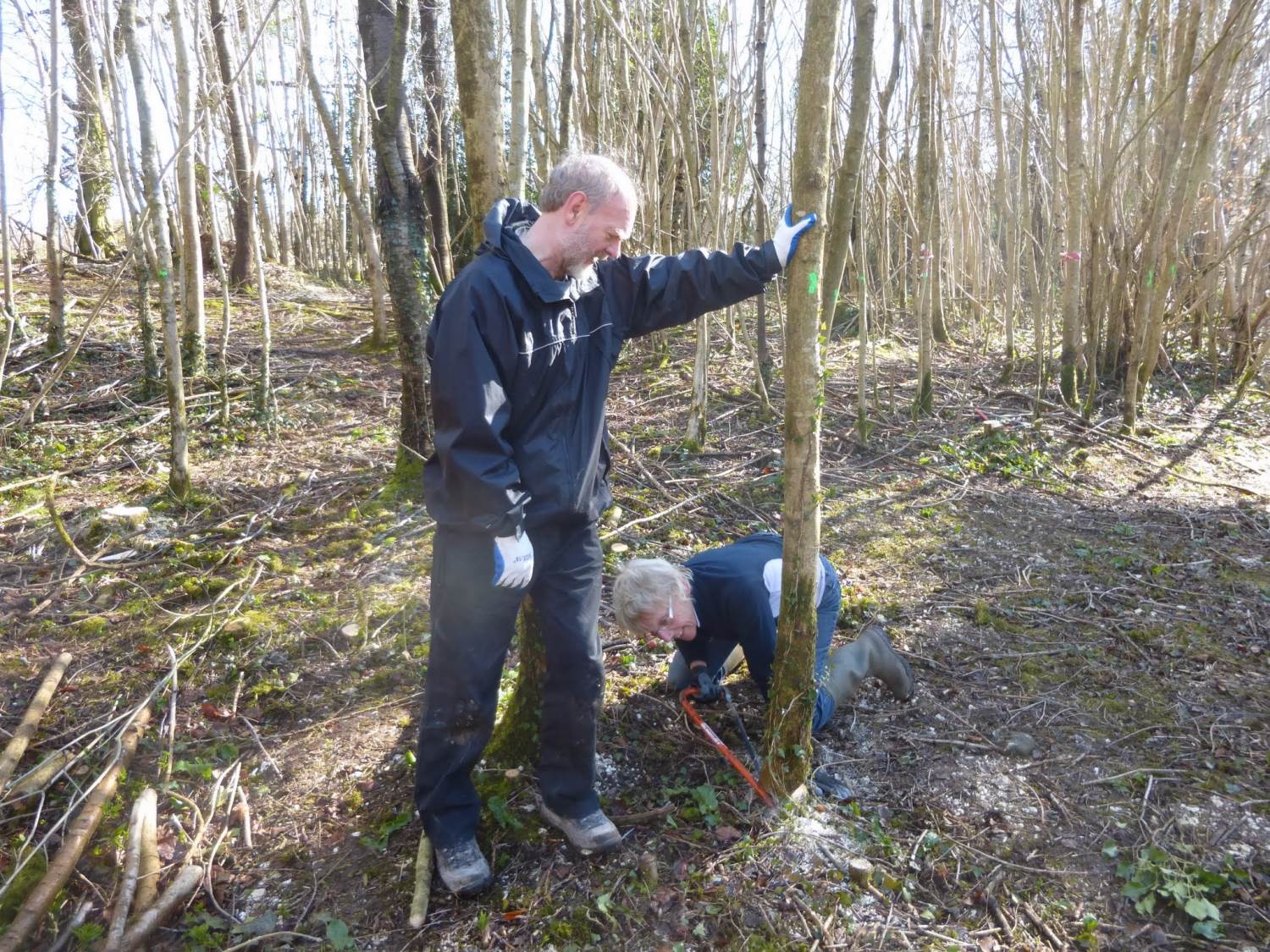
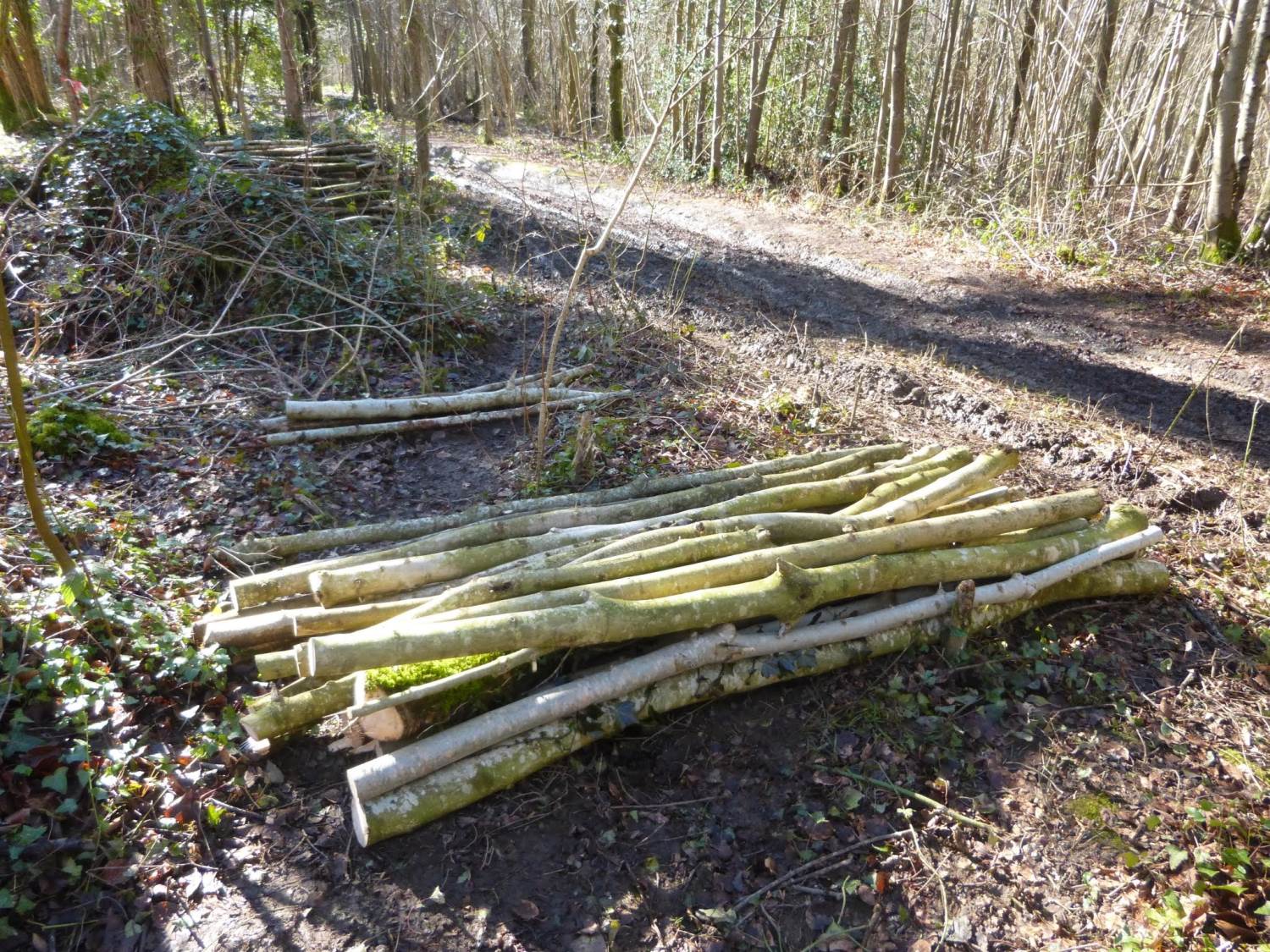
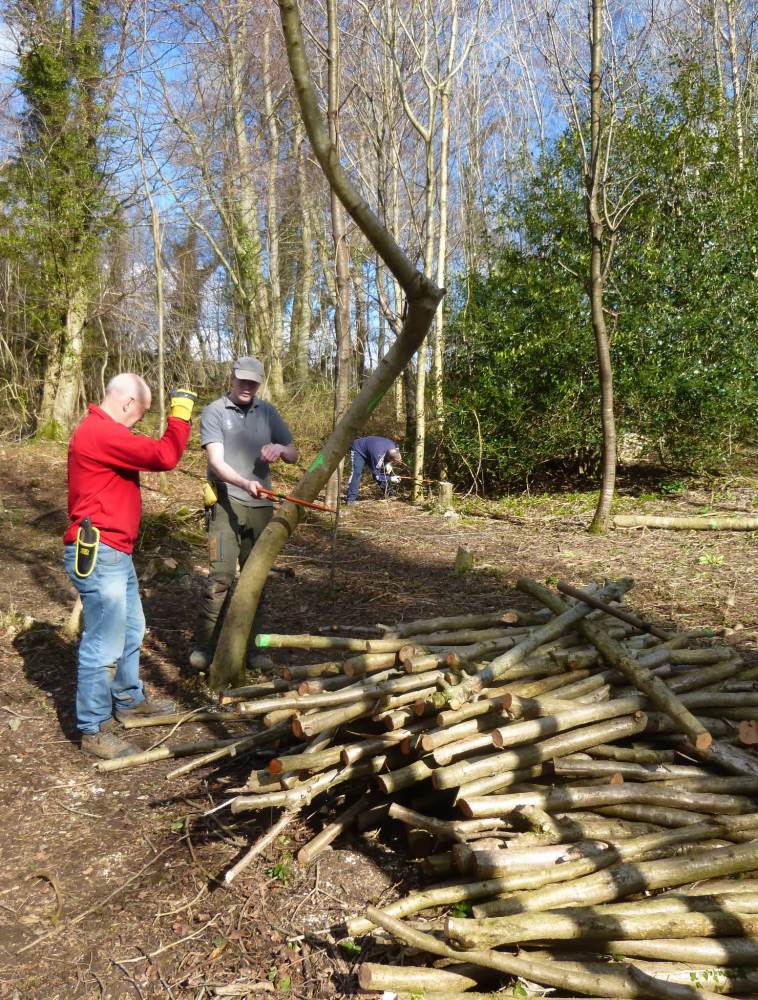
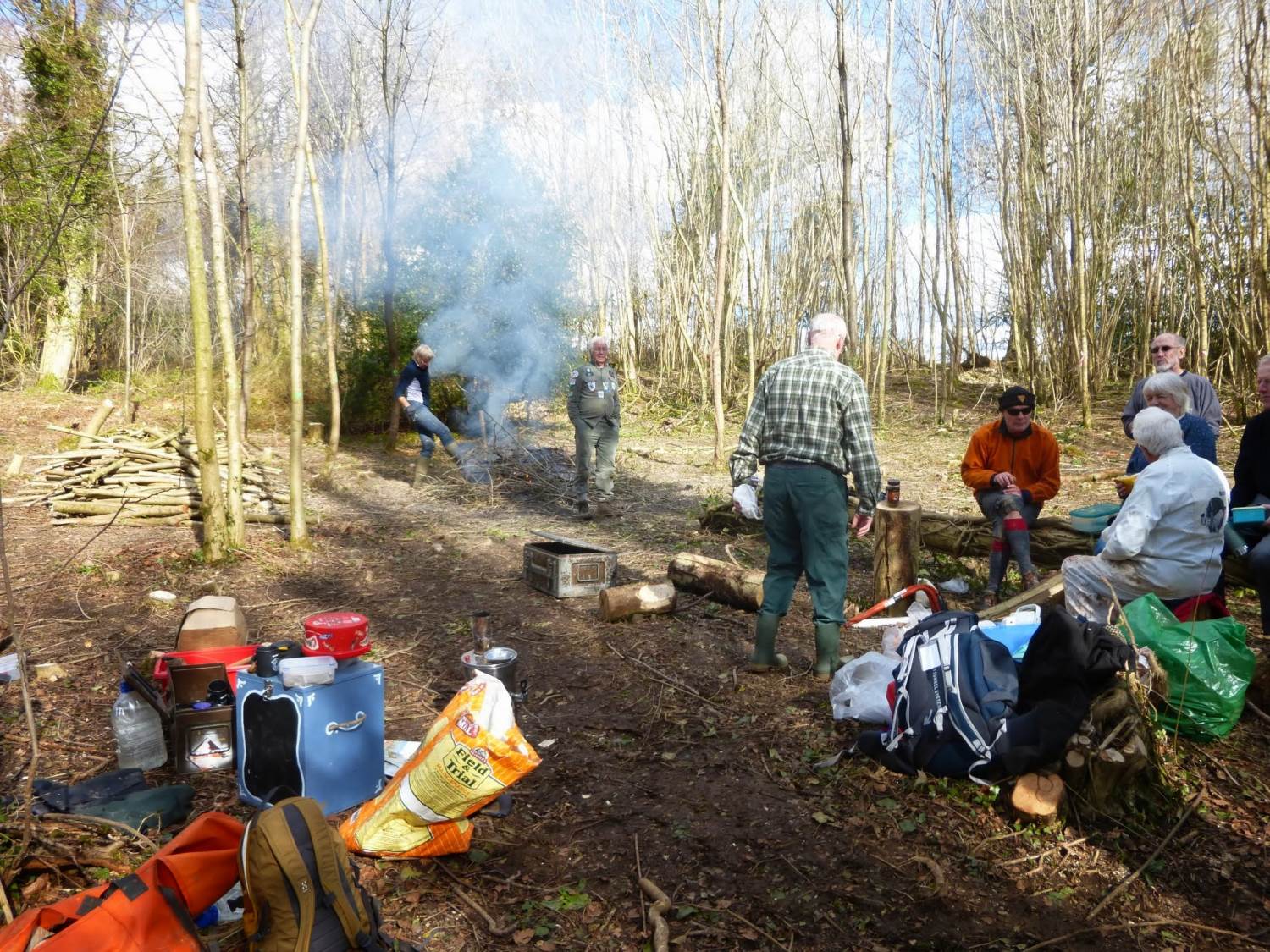
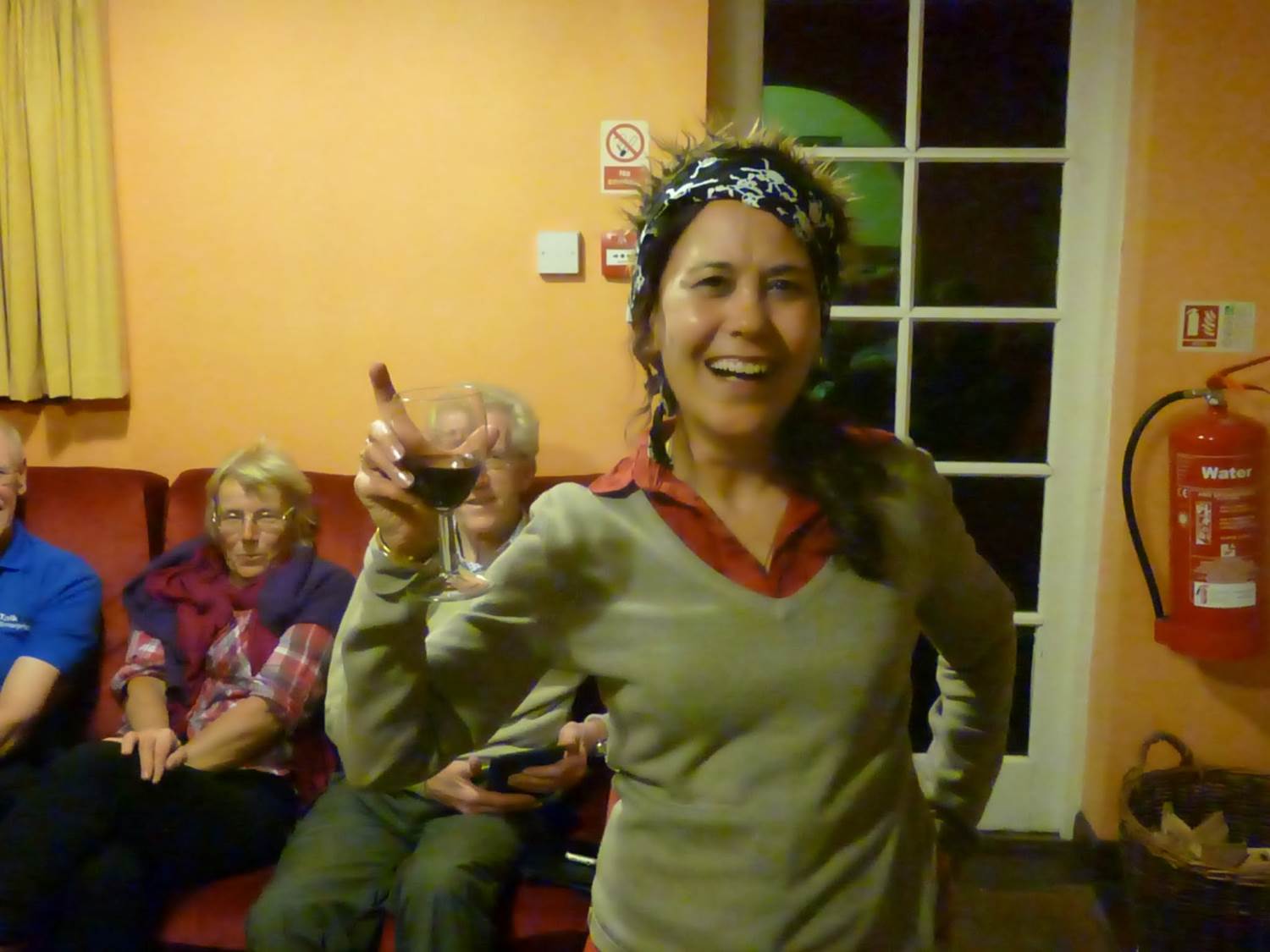
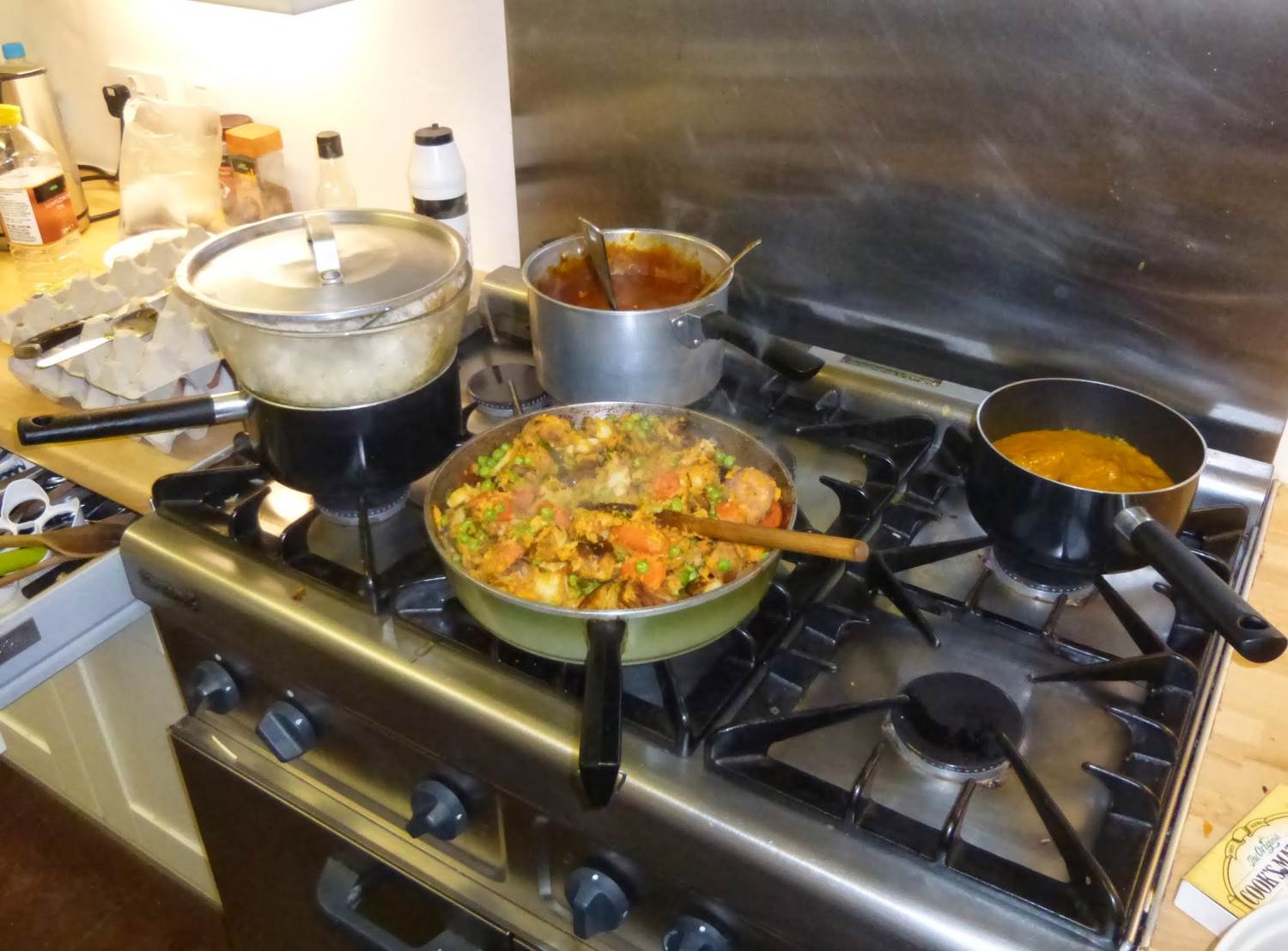
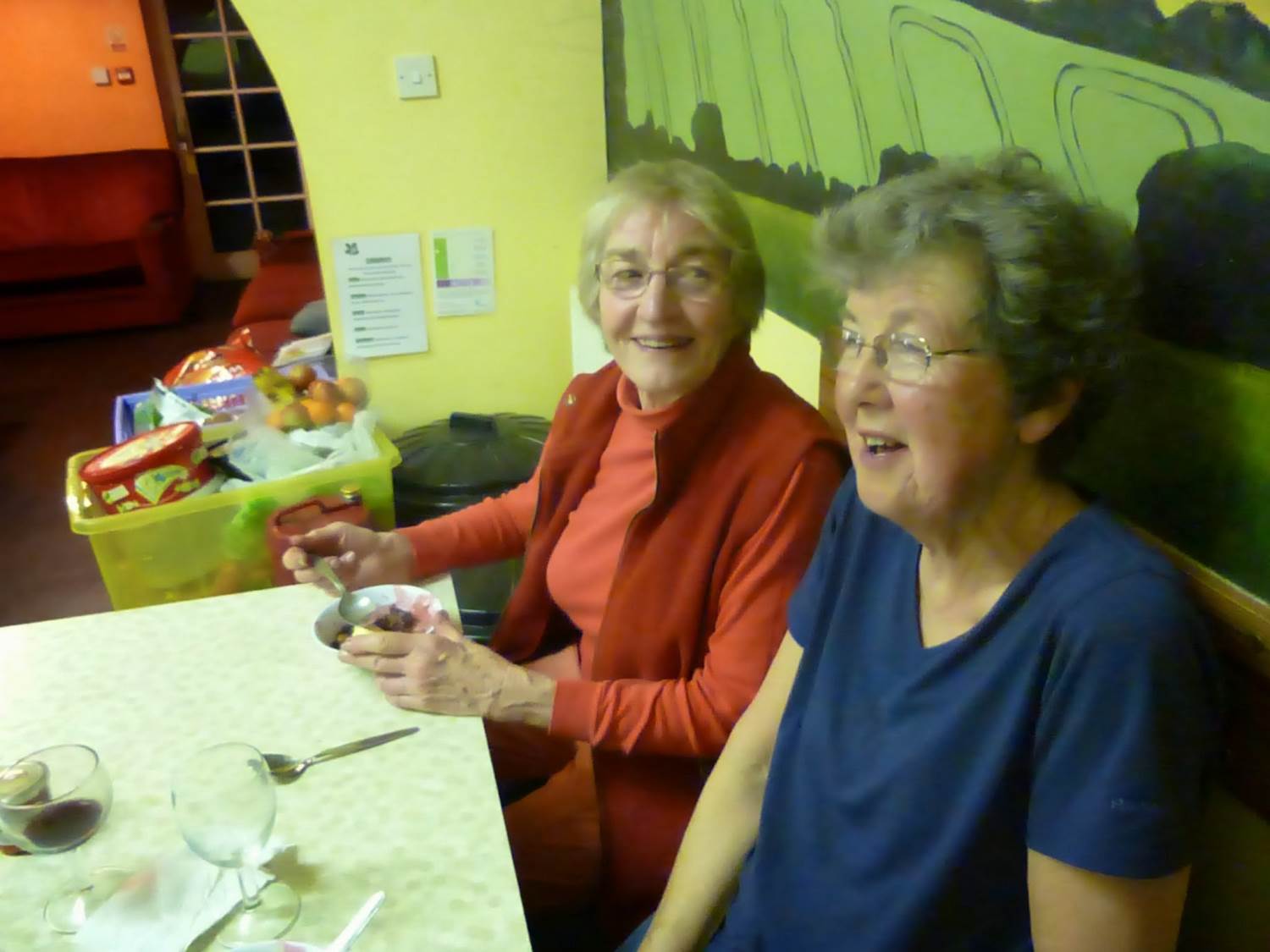
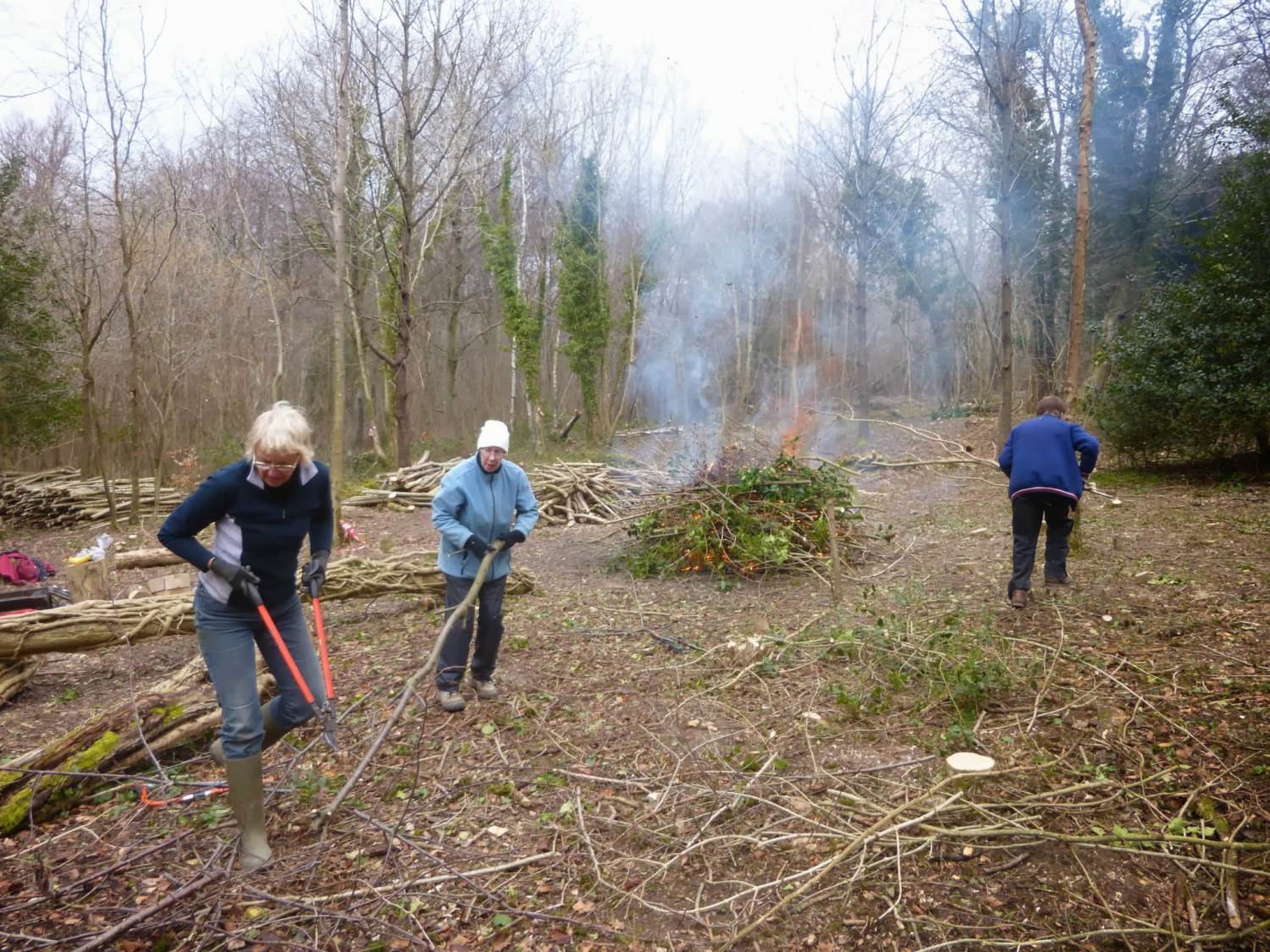
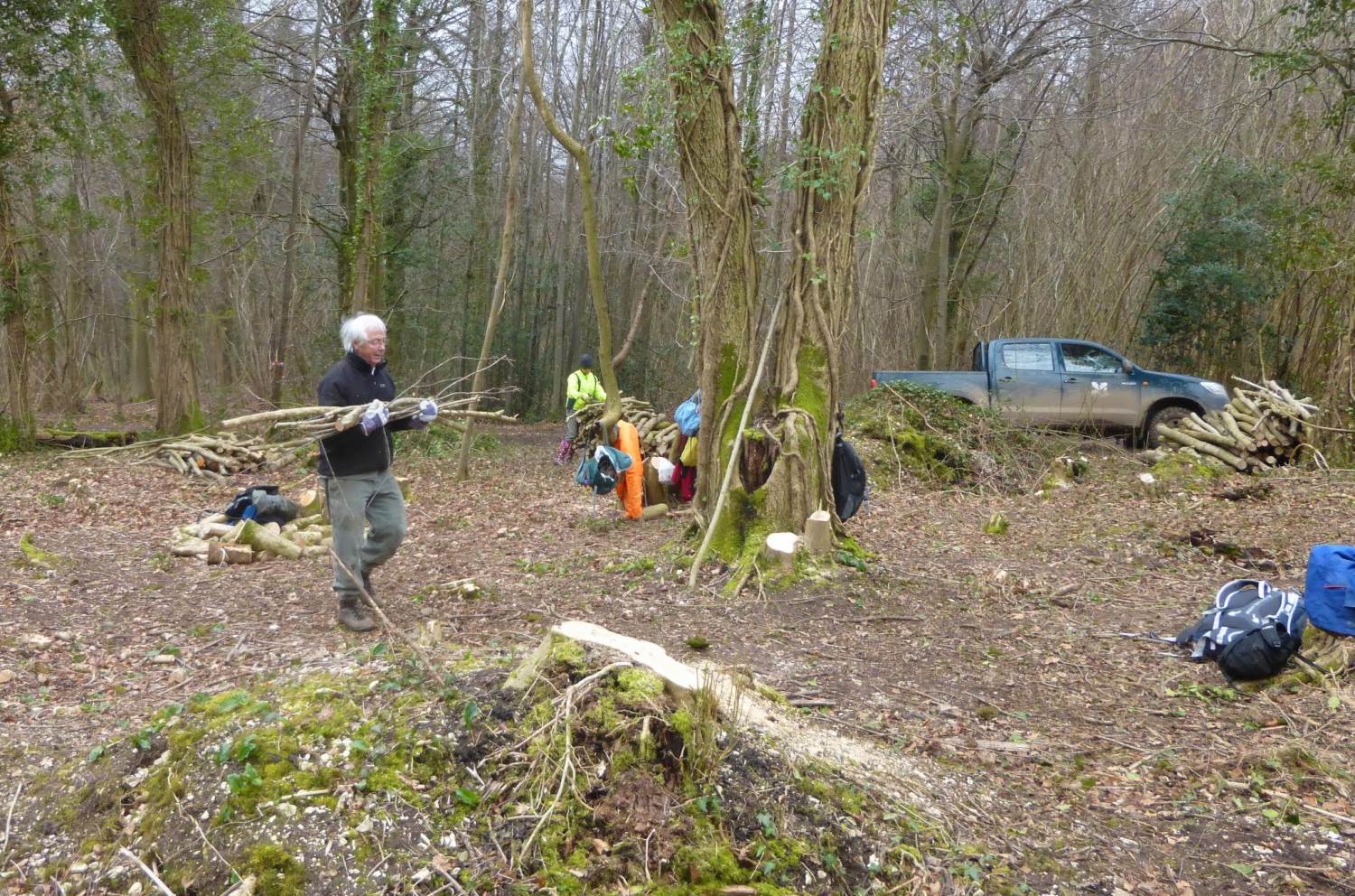
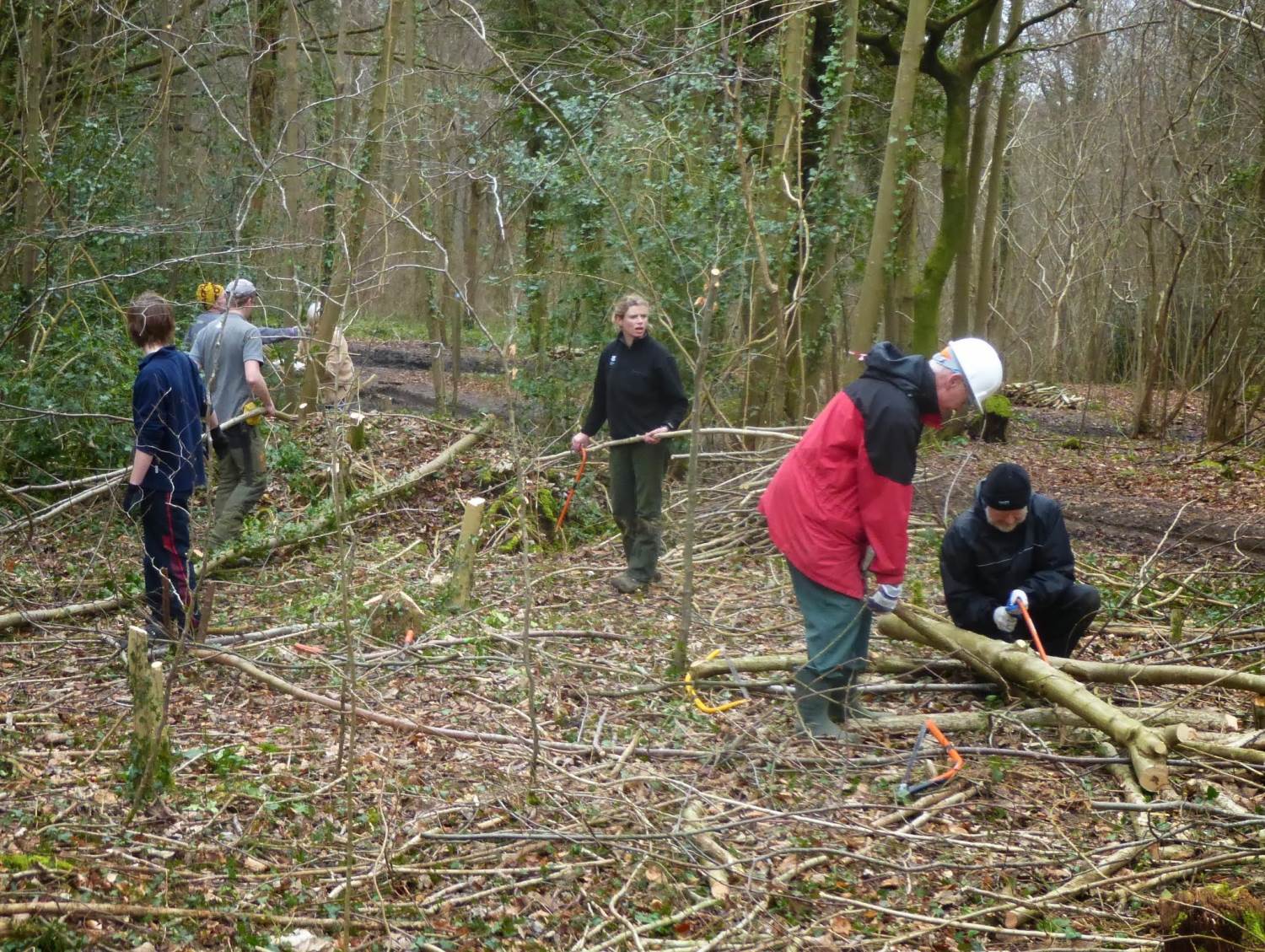
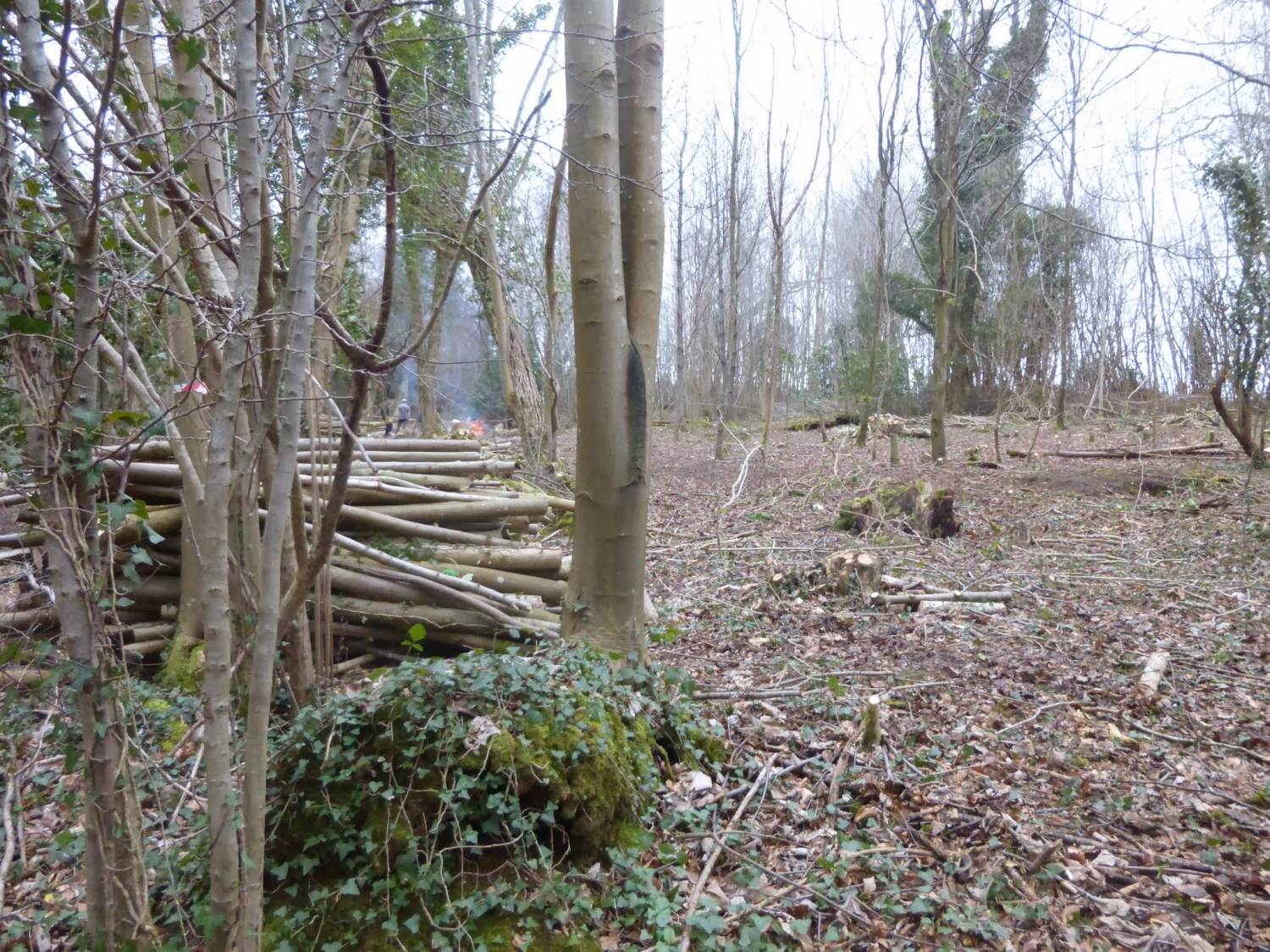
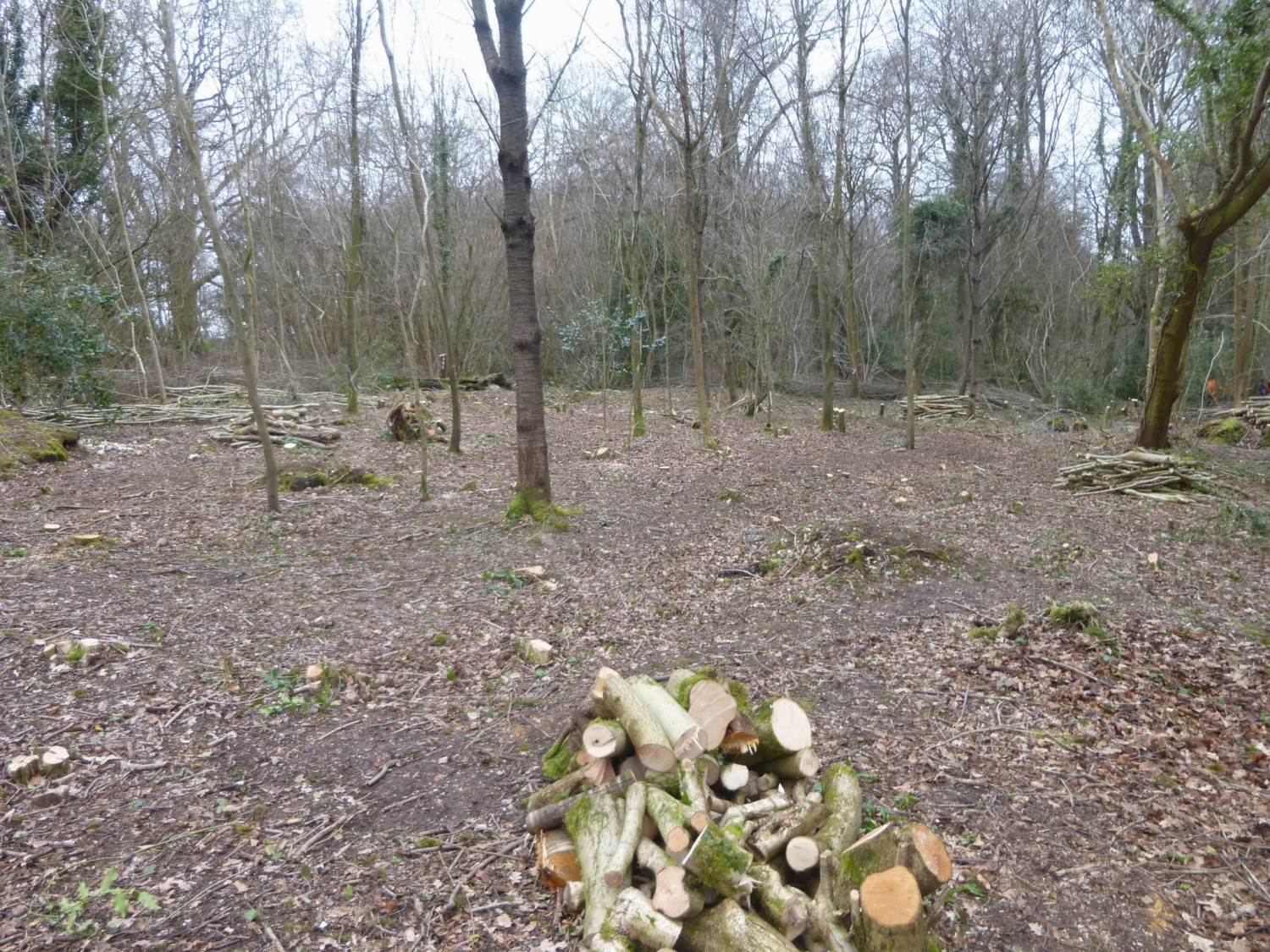
Here are some photos from the recent week-end away at Slindon organised by Wally. Click any image to see a larger version.
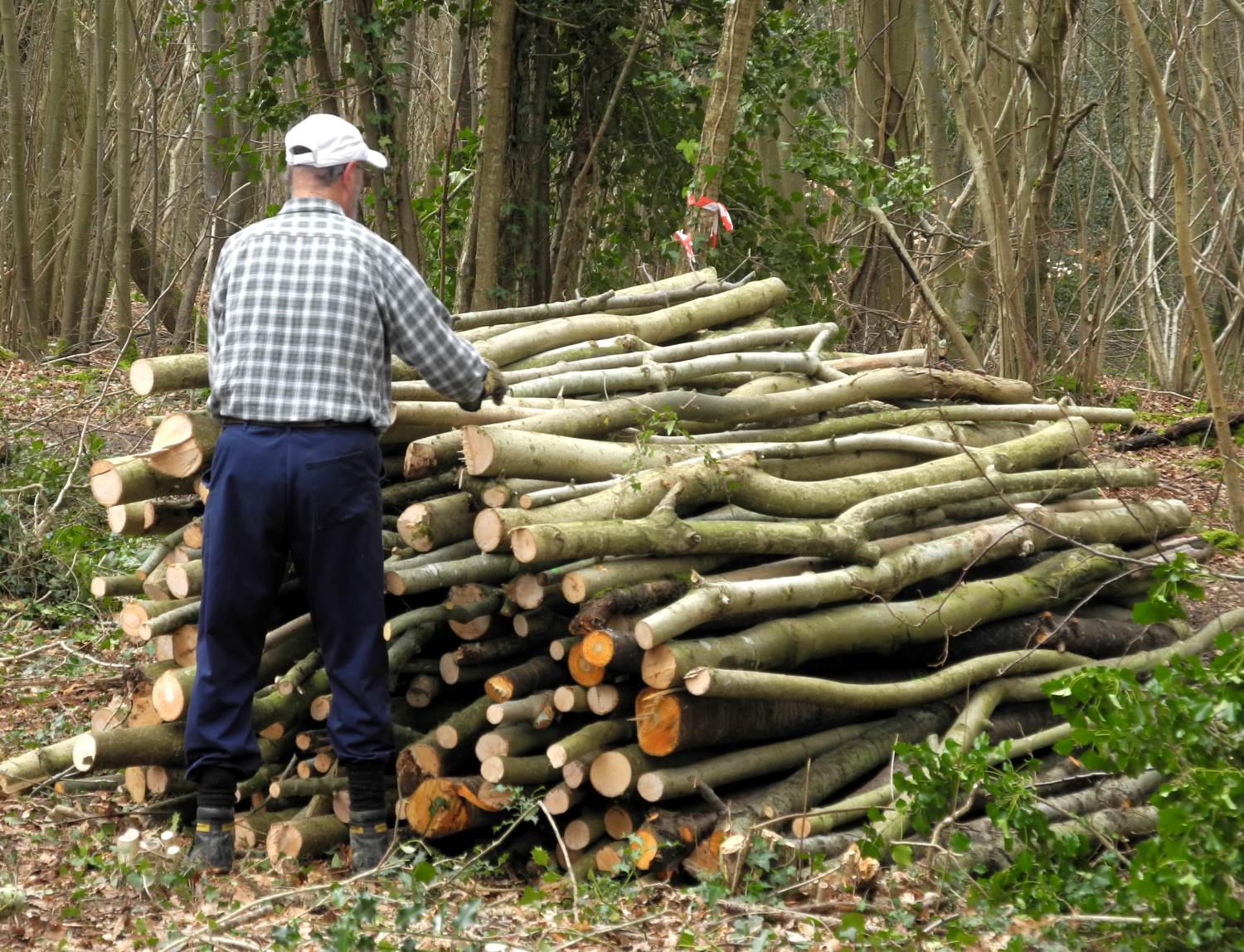
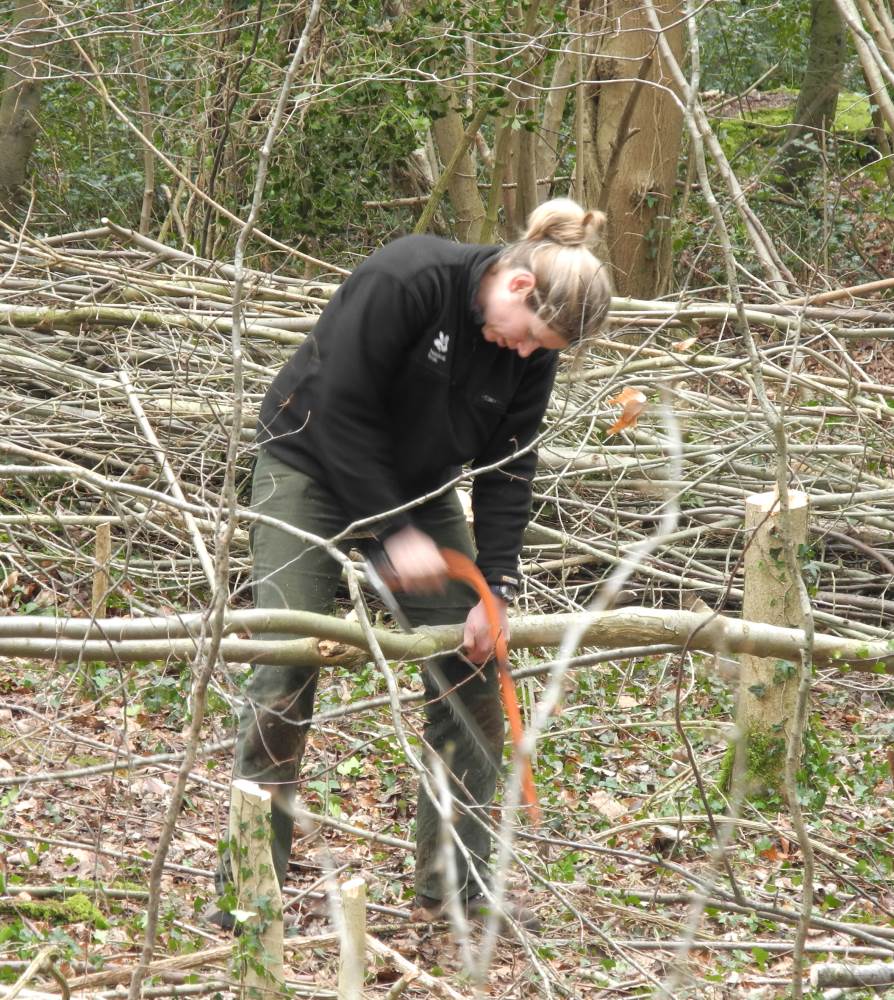
We worked with the National Trust to fell and chop up trees in an area reserved for growing Hazel trees. The Hazel provides food and a habitat for dormice and material for coppicing. The chopped-up trees will be sold by NT for firewood.
We had a great time. The weather was good and the food excellent. Speak to
This article was first published in 2008 based on the club rides for 2007. I have updated it for the twelve months ending September 2013.
I was talking to a distinguished member of the local community recently and discovered that as a youth he was a keen cyclist and Youth Hosteller; but he said he wouldn’t cycle far on our roads now. He ‘has a little place in France’ where he happily pedals around the village without fear but is terrified of the traffic here.
This set me thinking. How far do we go on club rides in a year without ‘traffic damage’ ? As far as I’m aware, in the 15 years in which we have been cycling regularly with the club there have been only three incidents in which cyclists have been in collisions with motor vehicles while on club rides or going to join one – two on club runs and a third while on his way to join the start of the ride. In all cases the cyclists received only minor cuts and bruises and were back cycling again within a few weeks. And all got a new bicycle on the relevant motorist’s insurances.
And how far do we cycle in a year?
Making reasonable assumptions, using data from the 2013 Annual report …
Average riders
Mileage
Rides
Total mileage
Cosham rides
5.4
50
52
14,040
Havant Saturday†
14.4
50
49
26,460
Havant Wednesday†
22.4
50
50
42,000
Evening pub rides
6.9
20
26
3,588
Sunday morning rides
6.0
30
11
1,980
Easy rides
6.3
20
11
1,386
Tandem rides
8
30
11
2,640
Total
92,094
† Assuming ½ the riders only ride to elevenses and do about ½ the distance.
The calculation is conservative because it doesn't take account of distance people travel to and from the start of the ride.
The circumference of the world is approximately 25,500 miles. This means that as a club, our runs take us the equivalent of 3.61 times round the world at the equator each year. And only 3 minor collisions with motor vehicles in the last 15 years. Not a bad record.